


Fake Renewal Scams
To spot domain renewal scams, scrutinize the sender’s address for slight variations and verify if the document is a “solicitation” rather than a valid invoice. Legitimate renewals come from your specific registrar (e.g., GoDaddy, SiteHost), not generic bodies like “Domain Name Registry.” Always cross-reference the expiration date with your official WHOIS records before paying.
In the high-stakes world of New Zealand digital asset management, protecting your intellectual property extends beyond trademarks and copyrights; it involves the rigorous defense of your online real estate. Domain slamming, or fake renewal scams, are becoming increasingly sophisticated, targeting businesses with official-looking documents that are, in reality, deceptive marketing solicitations. This guide details how to identify these threats and secure your digital perimeter.
Identifying ‘Domain Name Registry’ Fake Invoices
The most prevalent form of domain slamming involves a company sending what appears to be an urgent bill for your website’s domain name. These often arrive via snail mail—a tactic designed to bypass spam filters and land directly on the desk of an accounts payable administrator who may not be tech-savvy.
Typically, these letters come from generic-sounding organizations such as “Domain Name Registry of America,” “iDNS,” or “Global Domain Name Services.” They rely on the recipient’s fear of losing their website to prompt a quick payment. However, these companies are rarely your actual registrar. Instead, paying the invoice often triggers an unauthorized transfer of your domain to their management, usually at an exorbitant price (often 300% to 500% higher than standard market rates) or purchases a worthless “SEO listing” service that offers no value.
Key Visual Indicators of a Scam
To spot domain renewal scams effectively, you must train your accounts team to look for specific visual cues that legitimate New Zealand registrars (like Freeparking, Crazy Domains, or SiteHost) would not use in a confusing manner:
- Generic Branding: The logo looks like a clip-art globe or flag, and the company name sounds official but lacks specific branding (e.g., “World Domain Services”).
- Mismatched Currencies: For NZ businesses, be wary if the invoice is in USD or EUR when you historically pay in NZD.
- Urgency Tactics: Phrases like “Final Notice,” “Expiration Pending,” or “Immediate Action Required” are printed in bold, red text to induce panic.
- The “SEO” Switch: Read the line items carefully. Often, the bill is not for the domain registration itself, but for “Search Engine Listing Services” for the domain name.
The Anatomy of a Deceptive Renewal Letter
Understanding the psychological construction of these letters is key to defense. Scammers utilize a technique known as “mimicry.” They structure their documents to mimic the layout of a utility bill or a tax invoice. This includes a detachable payment slip at the bottom, a return envelope, and boxes for credit card details.
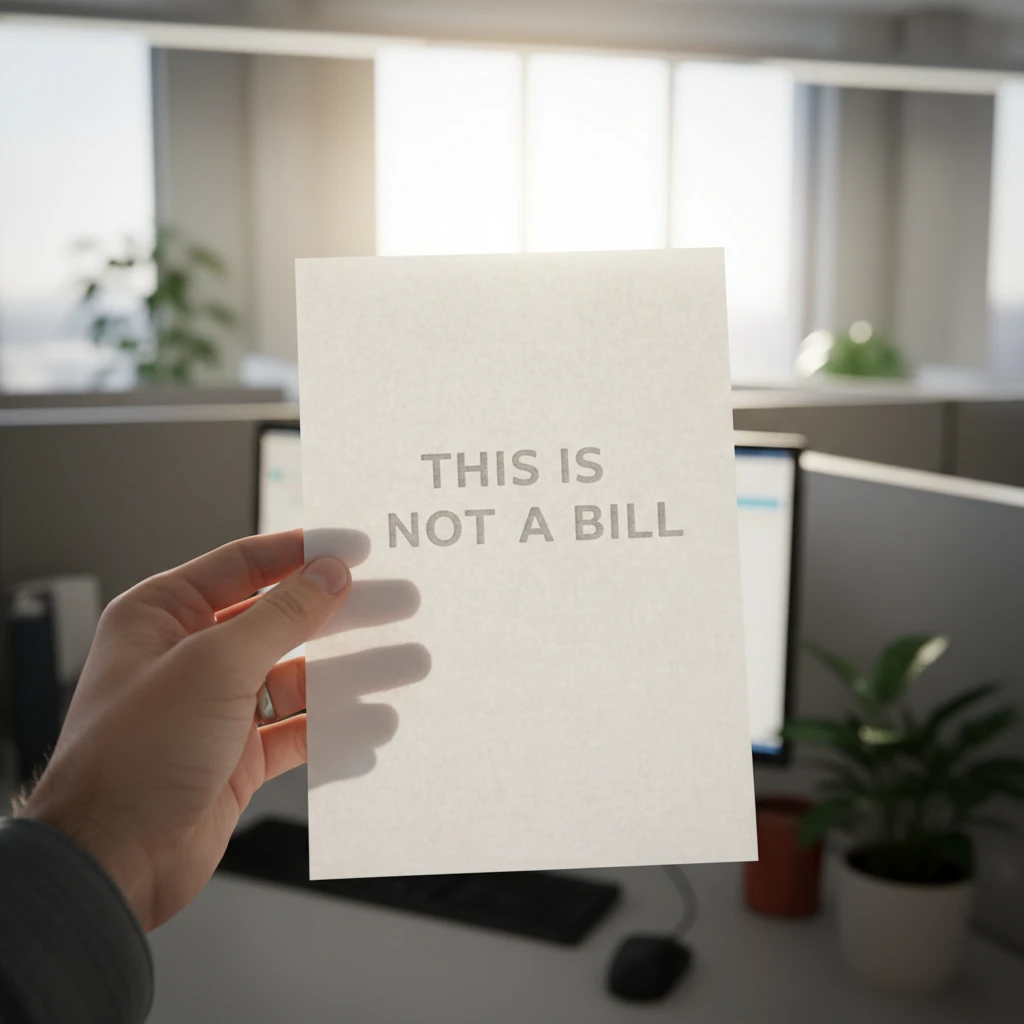
However, the most telling sign is often hidden in plain sight. Due to mail fraud laws in various jurisdictions, these scammers are legally required to state that the document is a solicitation. You will often find a paragraph in the middle of the text or in the footer that reads:
“This is a solicitation for the order of goods or services, or both, and not a bill, invoice, or statement of account due. You are under no obligation to make any payments on account of this offer unless you accept this offer.”
If you see this text, or anything similar, discard the document immediately. It is not a renewal; it is a sales pitch disguised as a debt.
Seasonal Alert: The December-January Risk Period
In the New Zealand business landscape, the summer holiday period (December and January) represents a significant vulnerability window for digital asset security. Scammers are acutely aware of the “Kiwi shutdown.”
Why the Holiday Season is Dangerous
During this period, senior IT managers and primary decision-makers are often on leave. The task of monitoring mail and emails may fall to junior staff or temporary administrative personnel who are instructed to “keep the lights on” and ensure all bills are paid to prevent service interruptions.
Scammers time their mail-outs to arrive just before the Christmas break or in early January. They bank on the fact that an overworked temp will see an “Urgent Domain Renewal” notice and process the payment to avoid being responsible for the company website going down. This seasonal vector is highly effective because verification channels—like asking the CIO if the bill is legitimate—are often unavailable.
Actionable Advice: Before the holiday shutdown, issue a memo to your finance and admin teams listing exactly which vendors are authorized for payments and flagging domain renewals as a “verify first” category.
The Critical Difference: Renewal Invoice vs. Solicitation
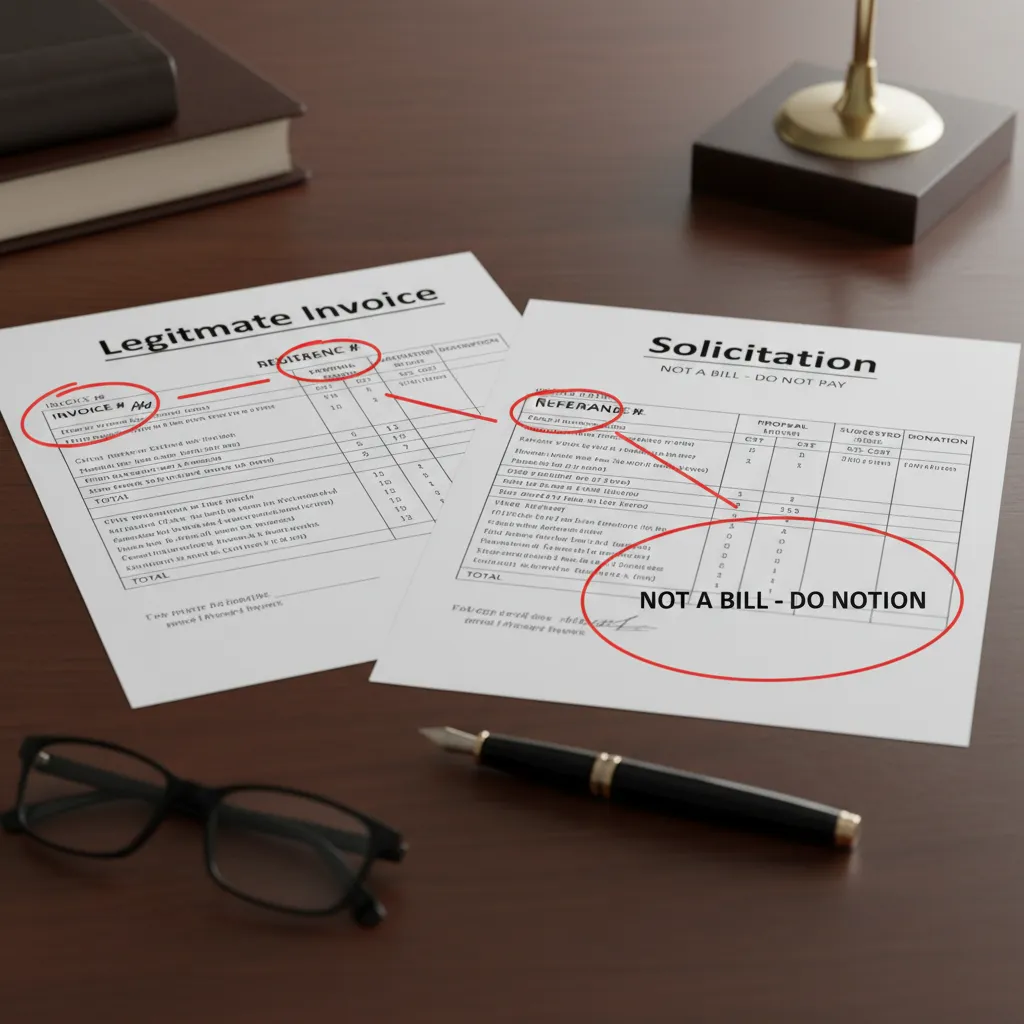
To spot domain renewal scams, one must understand the legal gray area these operators inhabit. A legitimate invoice is a request for payment for services already rendered or contractually agreed upon. A solicitation is an offer to sell you a service.
The scam works because the solicitation looks like an invoice. Here is how to distinguish them technically:
- Account Numbers: A real invoice will reference your specific Customer ID or Account Number. Fake solicitations usually lack this or generate a random “Reference Number” that doesn’t match your records.
- Service Period: Check the dates. If your domain (e.g., yourbusiness.co.nz) expires in July, but the letter demands payment in January, it is likely a scam or an attempt to transfer the domain months in advance.
- The “Transfer” Language: Read the terms. A solicitation will often mention “transferring management” or “switching registrars” in the small print. A renewal invoice from your current provider will never ask you to authorize a transfer; it will simply extend the term.
Proactive Digital Asset Management Strategies
Preventing these scams requires a mix of administrative protocol and technical safeguards. As part of a robust New Zealand digital asset management strategy, consider implementing the following:
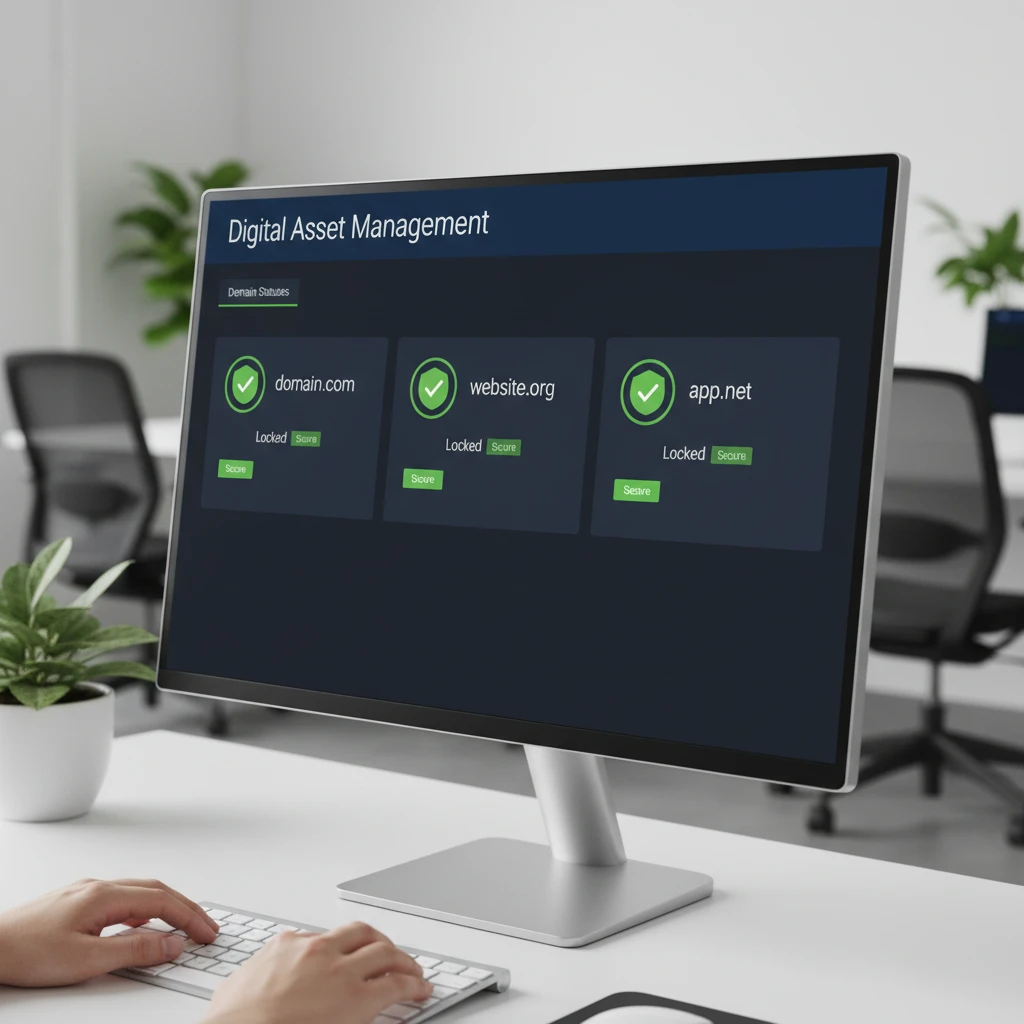
1. Domain Locking
Ensure your domains are set to “Locked” status at the registrar level. This prevents unauthorized transfers. Even if someone in your office accidentally pays a scammer and authorizes a transfer, the technical lock will prevent the domain from moving until you manually unlock it.
2. WHOIS Privacy
Scammers obtain your mailing address and email from the public WHOIS database. By purchasing WHOIS Privacy (or Domain Privacy) from your registrar, your personal or business contact details are masked with a proxy service. This significantly reduces the volume of spam and scam mail you receive.
3. Centralized Asset Management
Don’t spread your domains across ten different registrars. Consolidate them under one reputable New Zealand provider. This streamlines billing and makes it immediately obvious when an invoice arrives from an unknown third party.
Steps to Take If You’ve Paid a Scammer
If you discover that you or a staff member has fallen for a fake renewal scam, time is of the essence. Here is the recovery roadmap:
Step 1: Contact Your Bank Immediately
If the payment was made via credit card, contact your bank and issue a chargeback. Provide them with the documentation showing that the “invoice” was deceptive. State clearly that the service paid for was misrepresented.
Step 2: Check Your Domain Status
Log in to your actual registrar account. Check if a transfer has been initiated. If it has, deny the transfer immediately. If the transfer has already completed, you must file a dispute. For .nz domains, the Domain Name Commission (DNC) in New Zealand can assist with dispute resolution regarding unauthorized transfers.
Step 3: Report the Incident
In New Zealand, report the scam to CERT NZ (Computer Emergency Response Team). They track these scams and can issue warnings to the wider business community. Additionally, report the sender to the Department of Internal Affairs via their spam reporting tools.
Step 4: Audit Your Security
Change the passwords for your domain registrar account and your email. If the scammers successfully transferred your domain, they effectively control your website and email traffic, which poses a massive security risk.
People Also Ask
How do I know if a domain renewal is real?
A real domain renewal will come from the company you originally bought the domain from (e.g., GoDaddy, SiteHost). It will reference your customer ID and will not ask for a domain transfer. Always log in to your registrar’s account directly to verify expiration dates rather than clicking links in emails.
What happens if I pay a fake domain renewal?
If you pay, you may lose your money, and your domain might be transferred to a different registrar that charges higher fees. In some cases, you are paying for worthless “SEO services” rather than the domain itself. You should contact your bank for a chargeback immediately.
Is Domain Registry of America a scam?
The Domain Registry of America (DROA) is infamous for sending mass mailings that look like invoices but are actually solicitations. While they are a real company, their marketing tactics are widely considered deceptive, and the Federal Trade Commission (FTC) in the US has previously taken action against them.
Can I get my money back from a domain scam?
Yes, recovery is often possible via a credit card chargeback if you act quickly. You must demonstrate to your bank that the transaction was fraudulent or deceptive. If you paid via wire transfer, recovery is much more difficult.
How do scammers get my address for domain scams?
Scammers scrape the public WHOIS database, which lists the contact details of domain owners. If you do not have WHOIS Privacy protection enabled, your name, address, email, and phone number are visible to anyone on the internet.
Who do I report domain scams to in New Zealand?
In New Zealand, you should report domain scams to CERT NZ (cert.govt.nz). If the issue involves a .nz domain name dispute or unauthorized transfer, you should also contact the Domain Name Commission (dnc.org.nz).
