

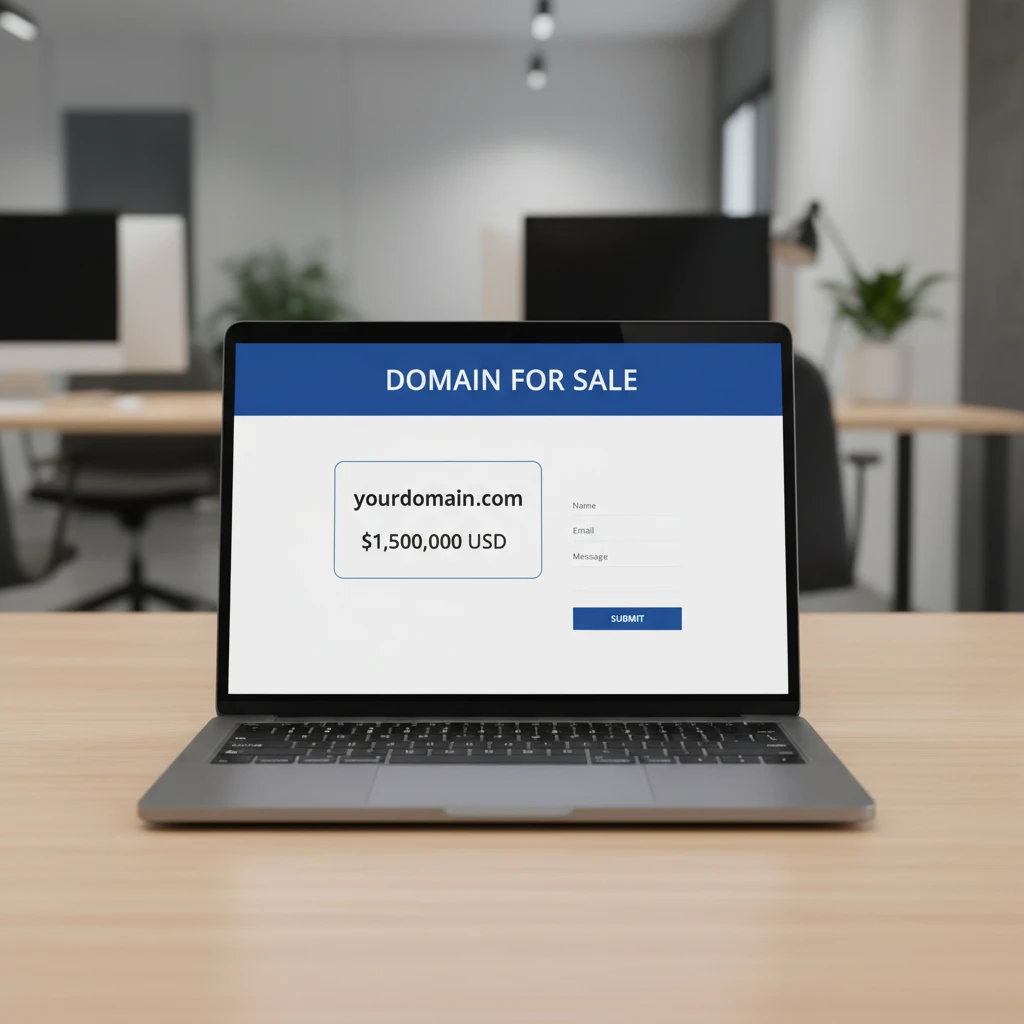
Setting Up ‘For Sale’ Landing Pages
Domain parking for sale is the strategic practice of pointing a registered domain name to a dedicated landing page designed specifically to solicit offers or facilitate an immediate purchase. Unlike standard parking which displays generic ads, ‘for sale’ parking acts as a digital billboard, showcasing the domain’s price, value proposition, and a direct contact mechanism for potential buyers.
In the competitive landscape of the New Zealand domain resale market, simply holding a premium .nz or .co.nz URL is not enough. You must actively signal to the market that the asset is available. A well-optimized landing page serves as your 24/7 sales agent, capturing direct navigation traffic (type-in traffic) and converting curious visitors into serious leads. Whether you are a seasoned domainer or selling a single business asset, the quality of your parking page directly influences your sale price and turnaround time.
What is Domain Parking for Sale?
Many domain owners mistakenly leave their unused domains resolving to a connection error or a default “Coming Soon” page provided by their host. This is a wasted opportunity. Domain parking for sale transforms that empty digital real estate into a marketing asset.
When a user types your domain name directly into their browser bar, they are expressing high intent. They expect to find a website. If they find a professional page stating the domain is for sale, you have immediately bridged the gap between interest and acquisition. In the New Zealand market, where local trust is paramount, a professional appearance can distinguish a legitimate seller from a cybersquatter.
Should You Use Registrar Parking Pages or Custom Pages?
When setting up domain parking for sale, you generally have two primary options: utilizing the default templates provided by your registrar (such as GoDaddy, Crazy Domains, or Metaname) or building a custom landing page. Understanding the difference is crucial for maximizing your return on investment.
The Pros and Cons of Registrar Parking
Most registrars offer a “Cash Parking” or “For Sale” lander option. The primary benefit here is ease of use. With a few clicks in your control panel, you can activate a page that displays ads (PPC) and a “Inquire about this domain” link.
- Pros: Zero coding required, instant setup, potential to earn passive income from ad clicks while waiting for a buyer.
- Cons: These pages often look generic and cluttered with low-quality advertisements. They can dilute the perceived value of a premium domain. Furthermore, registrars often take a significant commission (sometimes 20-30%) if a sale is brokered through their link.
The Power of Custom Landing Pages
A custom landing page is a standalone single-page website hosted on your own server or a third-party builder. This approach gives you total control over the aesthetic and the sales funnel.
- Pros: You control the branding, removing third-party ads that distract buyers. You can write custom sales copy explaining why the domain is valuable (e.g., “Perfect for a Christchurch Tourism Business”). Most importantly, you avoid registrar brokerage fees by handling the inquiry directly.
- Cons: Requires slightly more technical setup, including DNS management and hosting configuration.
Verdict: For high-value .nz domains (valued over $2,000 NZD), a custom landing page is superior. It signals professionalism and justification for the higher price tag.
How to Redirect Your Domain to a Trade Me Listing?
In New Zealand, Trade Me is the dominant marketplace for buying and selling almost anything, including businesses and intellectual property. Many Kiwi buyers look there first. A powerful strategy is to list your domain on Trade Me and then configure your domain to automatically redirect visitors to that specific listing.
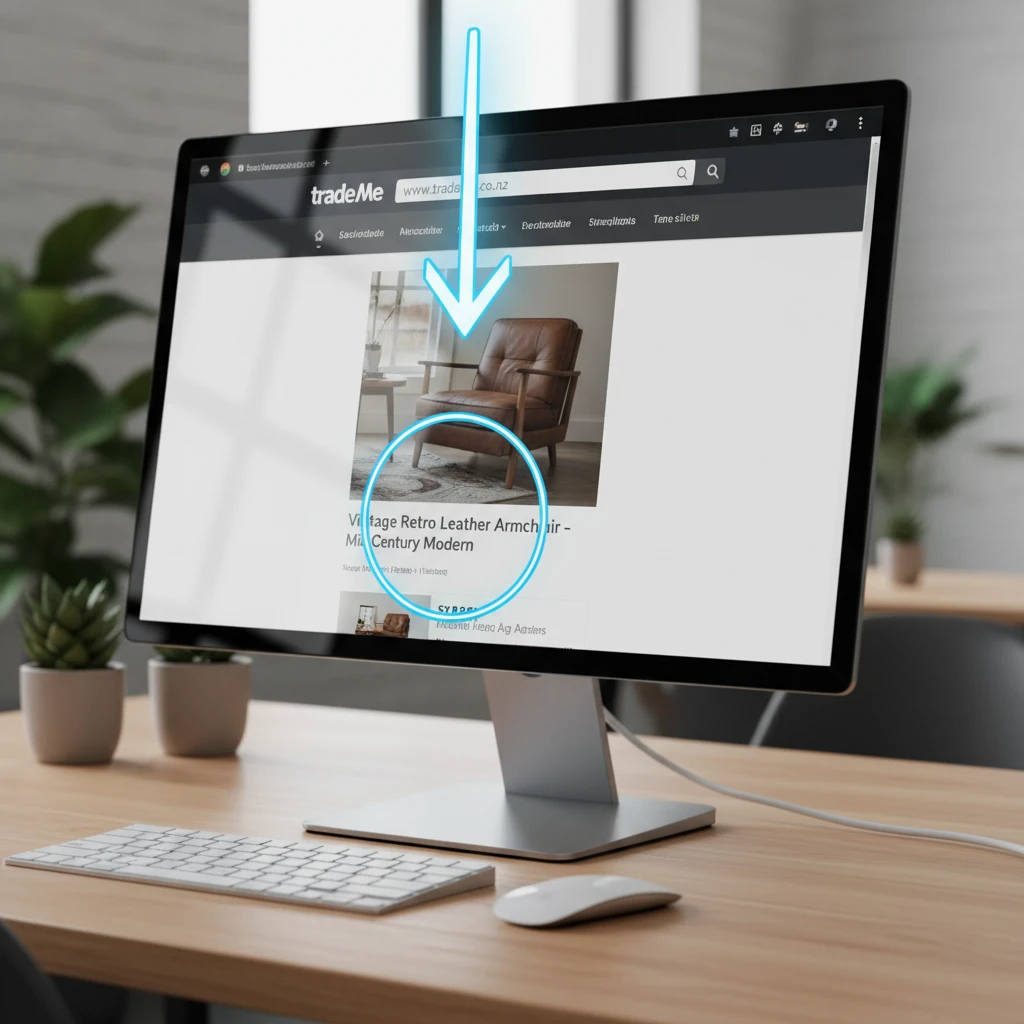
Step-by-Step Redirect Guide
This process utilizes a 301 Permanent Redirect or a 302 Temporary Redirect (recommended if you plan to build a site later if it doesn’t sell).
- Create your Trade Me Listing: Set up a classified or auction listing for your domain. Once live, copy the full URL of your listing (e.g.,
trademe.co.nz/computers/domains/...). - Log in to your Registrar: Go to the DNS management section of your domain provider.
- Locate Forwarding Settings: Look for “Domain Forwarding,” “Web Forwarding,” or “URL Redirect.”
- Paste the Destination: Enter your Trade Me listing URL as the destination.
- Select Redirect Type: Choose “302 Temporary” (so search engines don’t index the Trade Me page as the permanent home of your domain) and ensure “Forward Only” is selected (avoid “Masking” as Trade Me may block framed content).
This strategy leverages the trust of the Trade Me platform. A buyer types in your domain, lands on a trusted NZ marketplace, and can bid immediately using an account they likely already possess.
How to Add Contact Forms and ‘Buy Now’ Buttons?
If you opt for a custom landing page, reducing friction is your primary goal. You want to make it as easy as possible for a visitor to give you money or start a conversation.
The ‘Make an Offer’ Form
For domains without a fixed price, a simple contact form is essential. Do not simply put an email address (mailto link) on the page, as this invites spam. Use a form that captures:
- Name
- Email Address
- Offer Amount (NZD)
- Message (Optional)
Tools like Google Forms, Typeform, or embedded forms from Airtable can be integrated easily into any HTML page.
The ‘Buy Now’ Button
For domains with a set price (e.g., $500 NZD), an instant purchase option works best. Impulse buys happen in the domain world, especially at lower price points.
Escrow Services: Never ask for a direct bank transfer from a stranger unless you have established significant trust. Instead, use a ‘Buy Now’ button from a recognized escrow service.
- Escrow.com: The global standard. You can generate a “Buy It Now” button code snippet to paste onto your landing page. They hold the buyer’s funds until the domain is transferred.
- PayPal: Acceptable for low-value transactions, but offers less protection for digital goods compared to dedicated escrow services.
- Dan.com: Even if you don’t use their marketplace for discovery, you can use their landing pages which include integrated payment processing and lease-to-own options, which are highly attractive to small NZ businesses.

How to Track Visitors to Your For-Sale Page?
Data is power. Knowing how many people visit your domain tells you its potential value. If a domain gets 100 type-in visitors a month without any content, it has high inherent commercial value.
Google Analytics 4 (GA4)
The industry standard for tracking. To set this up on a custom landing page:
- Create a GA4 property for your domain.
- Copy the measurement ID (G-XXXXXXXXXX).
- Paste the global site tag script into the
<head>section of your landing page HTML.
What to look for: Check the “Acquisition” reports. Are users coming from direct traffic (typing it in) or referral traffic (links from other sites)? High direct traffic justifies a higher asking price.
Server Logs and Lightweight Alternatives
If GA4 feels like overkill, or if you are concerned about cookie consent laws (GDPR/NZ Privacy Act), consider lightweight tools like Plausible Analytics or simply enabling server access logs if you have cPanel hosting. These will show you raw hit data without complex tracking scripts.
What Are the Best Free Tools to Create Domain Landing Pages?
You do not need to hire a web developer to create a stunning “For Sale” page. Several free or freemium tools are perfect for this specific use case.
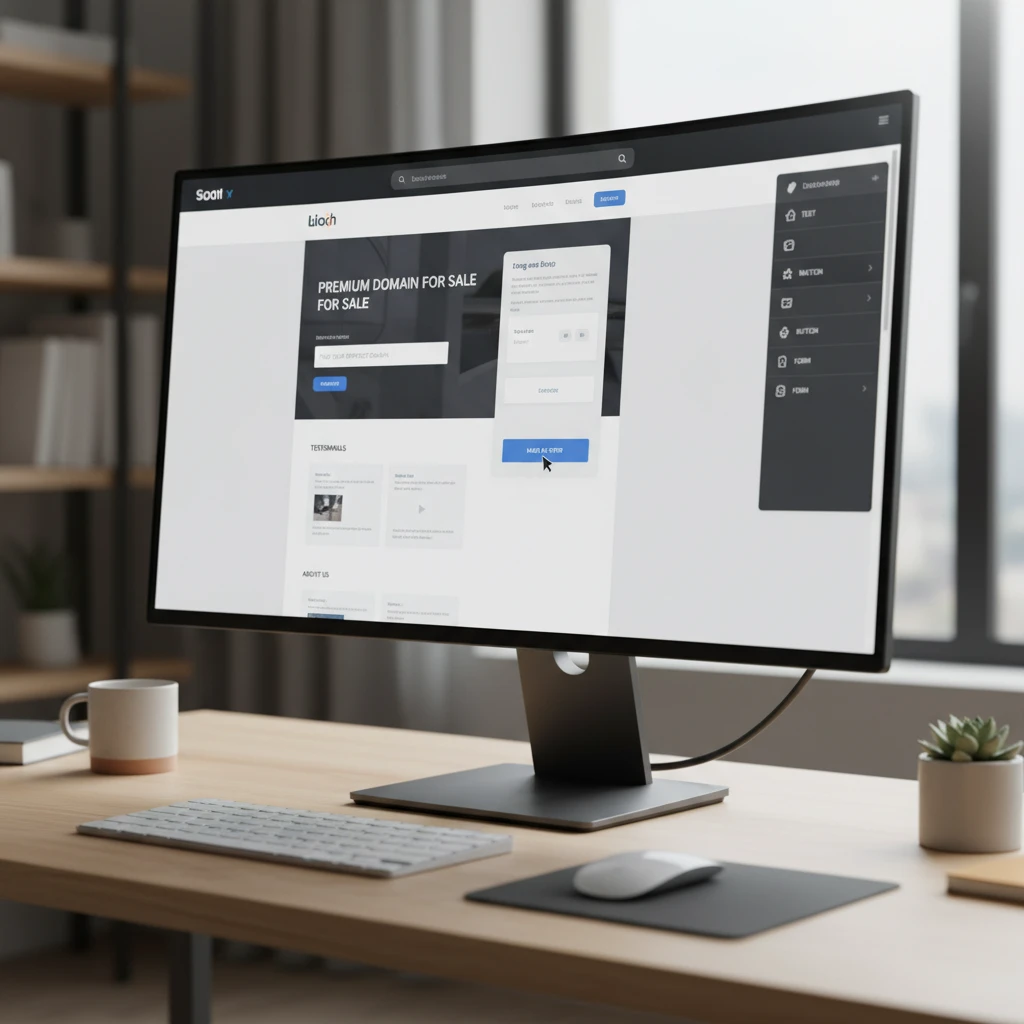
1. Carrd.co
Carrd is arguably the best tool for one-page sites. It is responsive, fast, and incredibly easy to use. The free tier allows you to build a site, though you may need a small annual subscription (Pro Standard) to connect a custom domain without Carrd branding. The investment is negligible compared to the potential sale value.
2. GitHub Pages
For the more technically inclined, GitHub Pages allows you to host a static HTML page for free forever. You can find hundreds of free “Domain For Sale” HTML templates on GitHub. simply fork the repository, edit the contact details, and point your domain’s A-records to GitHub’s servers.
3. Efty (Free Trial/Paid)
While primarily a paid tool for professional domainers, Efty offers the gold standard in landing pages. They provide sleek, trust-inducing templates that integrate with marketplaces. If you have a portfolio of domains, the cost per domain becomes very low.
4. WordPress.com
You can set up a free WordPress site and map your domain to it (paid upgrade usually required). While powerful, WordPress can be “heavy” for a simple landing page. Ensure you strip back unnecessary plugins to keep the load time instant.
People Also Ask
Is domain parking free?
Yes and no. Basic parking provided by your registrar is usually free and may even earn you pennies in ad revenue. However, creating a high-quality custom landing page (which sells domains faster) may incur small costs for hosting or builder subscriptions, though free options like GitHub Pages exist.
How do I sell a .nz domain fast?
To sell a .nz domain quickly, ensure it resolves to a professional landing page with a clear “Buy Now” price. Concurrently, list the domain on Trade Me and local Facebook groups dedicated to NZ businesses. Pricing it realistically based on comparable sales (comps) is the most critical factor for speed.
Can I redirect my domain to my LinkedIn profile?
Yes, you can redirect a domain to any URL, including a LinkedIn profile. This is common for personal name domains (e.g., johnsmith.co.nz). However, if you are trying to sell the domain, this is not recommended, as it confuses visitors regarding the domain’s availability for purchase.
What is the best parking service for revenue?
For pure ad revenue (PPC), Sedo and Bodis are industry leaders. They serve ads relevant to the domain keywords. However, for sales revenue (selling the domain itself), custom landing pages or “For Sale” landers from marketplaces like Afternic or Dan.com generally perform better than ad-heavy parking pages.
How do I transfer a domain to a buyer in NZ?
Once a sale is agreed upon, you must provide the buyer with the UDAI (Unique Domain Authentication ID). The buyer enters this code at their registrar to initiate the transfer. The transfer of .nz domains is usually instant once the UDAI is processed.
Do I need a website to sell a domain?
No, you do not need a full website. You only need a single landing page (the parking page) that tells visitors the domain is for sale. Building a full website with content is unnecessary unless you are trying to increase the domain’s value through SEO traffic before selling.
