


Registrar Transfer Guide
Transferring a domain to Freeparking requires unlocking your domain at the current registrar and obtaining the UDAI (Unique Domain Authentication ID). Once you have the authentication code, you initiate the transfer through the Freeparking portal, which typically processes .nz domain transfers instantly while maintaining your existing DNS records to prevent downtime.
Managing your digital assets effectively often means consolidating them under a reliable, local registrar. For New Zealand businesses and individuals, transferring a domain to Freeparking is a strategic move to centralize portfolio management, access local support, and leverage robust DNS infrastructure. Whether you are moving a single .nz domain or a massive portfolio of gTLDs, understanding the technical nuances of the transfer process is critical to ensuring zero service interruption.
Why Transfer Your Domain to Freeparking?
In the competitive landscape of the New Zealand domain market, the choice of registrar impacts more than just your annual renewal fee. It affects your site’s security, speed of DNS resolution, and the ease with which you can manage your digital identity. Many users search for “transfer domain to Freeparking” because they are seeking a platform that bridges the gap between enterprise-grade technical features and user-friendly interfaces.
Local New Zealand Support and Infrastructure
One of the primary drivers for migration is the desire for local support. Dealing with offshore registrars can often lead to timezone conflicts and support teams that are unfamiliar with the specific regulations of the Domain Name Commission (DNC) in New Zealand. Freeparking offers support tailored to the NZ market, ensuring that issues related to .nz, .co.nz, or .kiwi domains are resolved by experts who understand the local ecosystem.
Advanced DNS Management Interface
Legacy registrars often utilize outdated interfaces that make simple tasks—like updating A records or setting up email forwarding—unnecessarily complex. A modern dashboard allows for intuitive bulk management. If you own multiple domains, the ability to update nameservers or contact information across your entire portfolio in a few clicks is a significant efficiency gain. Freeparking provides a streamlined control panel that simplifies these technical configurations.
Competitive Pricing and Consolidation
While price shouldn’t be the only factor, it is a reality of business overheads. Consolidating your domains with one provider often unlocks volume discounts and simplifies accounting. Instead of tracking renewal dates across five different providers, moving everything to one location ensures you never miss a renewal notification, protecting your brand from accidental expiration.
The Pre-Transfer Checklist: Unlocking and UDAI
Before you initiate any request on the receiving end, you must prepare the domain at your current registrar. Failure to perform these steps is the number one cause of failed transfers.
What is a UDAI and why do I need it?
For .nz domains, the authorization code is called the UDAI (Unique Domain Authentication ID). This is an 8-character code generated by your current registrar. It acts as a password for the domain itself. Without a valid UDAI, Freeparking cannot claim authority over your domain.
Critical Note on UDAI Validity: A UDAI is typically valid for 30 days. If you generate one and do not use it within that window, you must request a new one. Furthermore, once a UDAI is used for a transfer, it becomes invalid immediately, and a new one is generated by the new registrar.
How to Unlock Your Domain
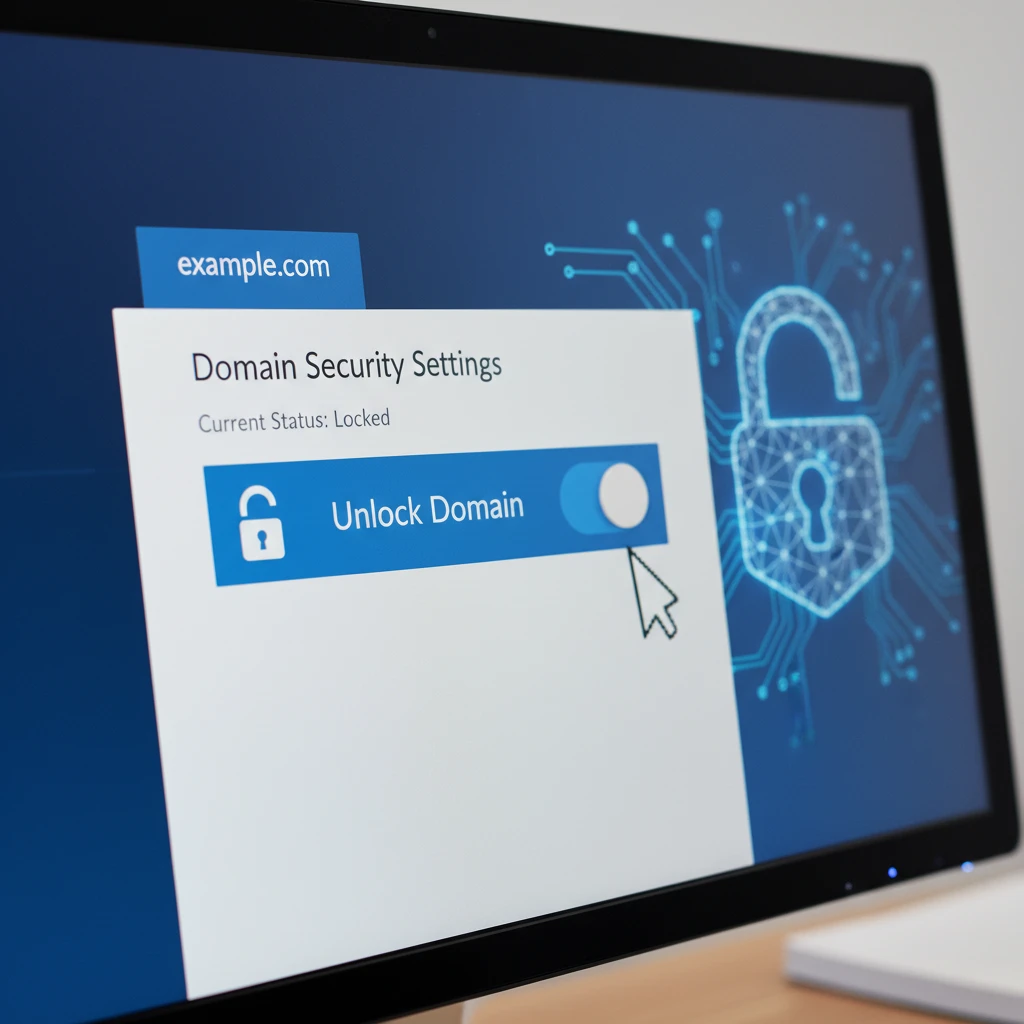
Registrar Lock (or ClientTransferProhibited) is a security feature that prevents unauthorized transfers. Before you can transfer your domain to Freeparking, you must disable this lock.
- Log in to your current registrar’s control panel.
- Navigate to the domain management section.
- Locate the “Registrar Lock” or “Theft Protection” setting.
- Toggle the setting to “OFF” or “Unlock”.
For generic top-level domains (gTLDs) like .com or .net, this change propagates quickly. However, ensure you haven’t changed your registrant contact information in the last 60 days, as ICANN regulations may impose a 60-day transfer lock following a change of registrant.
Step-by-Step: How to Transfer Domain to Freeparking
Once you have your UDAI (for .nz) or EPP Code (for gTLDs) and your domain is unlocked, you are ready to initiate the transfer. Follow this transactional workflow to ensure a seamless handover.
Step 1: Create or Log in to Your Account
If you are a new customer, you will need to set up an account. Ensure your billing details and contact information are accurate, as these will replace the registrant details for the incoming domain in many cases.
Step 2: Use the Bulk Transfer Tool
Navigate to the “Domains” section and select “Transfer Domains”.
Enter your domain name (e.g., yourbusiness.co.nz). The system will query the global registry to check the status of the domain. If the domain is locked, the system will alert you. If it is unlocked, you will be prompted to enter the authentication code.
Step 3: Enter the UDAI / EPP Code
Input the code you obtained from your previous registrar. Ensure there are no leading or trailing spaces, which often happens when copying and pasting.
Pro Tip: For bulk transfers, you can often upload a CSV file containing domain names and their corresponding UDAI codes to process hundreds of domains simultaneously.

Step 4: Review and Checkout
Most transfers for .nz domains are free of charge, though some registrars may require a renewal fee upon transfer. For .com domains, it is standard industry practice to charge for one year of renewal, which is added to the domain’s current expiration date. Review the cart to ensure transparency in pricing.
Step 5: Approval and Finalization
For .nz domains, the transfer is usually instantaneous once the correct UDAI is processed. You will see the domain appear in your Freeparking dashboard immediately.
For gTLDs (.com, .net), the process involves an email verification step sent to the administrative contact. Once approved, the losing registrar has 5-7 days to release the domain, though many allow you to manually approve the release to speed up the process.
Mitigating Downtime and DNS Propagation
A common fear when users transfer domain to Freeparking is the risk of website downtime or email interruption. Technically, a domain transfer is purely administrative—it changes who you pay, not necessarily where the website is hosted. However, DNS settings can be reset if not managed carefully.
Understanding Nameservers
When you transfer a domain, you generally have two options regarding Nameservers:
- Keep Existing Nameservers: This is the safest option if you are happy with your current hosting and just want to move the domain registration. Your website and email will continue to function without interruption because the traffic is still being directed by your old nameservers.
- Switch to Freeparking Nameservers: If you plan to use Freeparking’s DNS management or hosting, you will switch to their nameservers. This triggers DNS Propagation.
The Propagation Period
If you change nameservers during the transfer, it can take anywhere from 1 to 48 hours for the changes to spread across the internet. During this time, some users may see your site, while others may not. To mitigate this:
- Lower TTL (Time to Live): Before the transfer, go to your current DNS provider and lower the TTL on your records to 300 seconds. This tells servers to refresh their cache more frequently.
- Replicate Records: Ensure you have set up all A Records, CNAMEs, and MX Records in the Freeparking dashboard before you switch the nameservers.

Troubleshooting Common Transfer Issues
Even with a smooth process, errors can occur. Here is how to resolve the most common roadblocks in the NZ domain market.
“Invalid Authorization Code” Error
If you receive this error, first check for whitespace characters. If the code is correct, it may have expired. UDAI codes for .nz domains are frequently reset. Go back to your old registrar and request a fresh UDAI. Wait 10 minutes before trying it again to allow the registry database to update.
“Domain is Locked” Status
If the transfer fails due to a lock status, but you are sure you unlocked it, it may be a caching issue. Registrar systems don’t always sync instantly with the global registry. Use a WHOIS lookup tool to verify the domain status. If it says clientTransferProhibited, the unlock request hasn’t processed yet.
60-Day Transfer Lock
ICANN policy prevents transferring gTLDs (.com, .org) within 60 days of initial registration or a previous transfer. There is no workaround for this; you must wait until day 61. Note that .nz domains do not suffer from this 60-day lock rule, making them much more flexible to move.
People Also Ask
How long does it take to transfer a .nz domain?
Transferring a .nz domain is typically instantaneous. Once the valid UDAI code is entered and the request is submitted, the registry updates the registrar of record immediately. Unlike .com domains, there is no 5-7 day waiting period for .nz extensions.
Will my website go down during the transfer?
No, your website should not go down if you select the option to “Keep existing nameservers” during the transfer process. Downtime only occurs if you change your nameservers without properly configuring your DNS records at the new provider beforehand.
Does it cost money to transfer a domain to Freeparking?
Transferring .nz domains to Freeparking is generally free of charge. However, for gTLDs like .com, you are typically required to pay for a one-year renewal, which is added to your domain’s existing expiration date.
What happens to my remaining registration time?
You do not lose any time you have already paid for. When you transfer a domain, the remaining time on your contract moves with it. If a renewal fee is involved in the transfer (common with .com), that year is added on top of your existing remaining time.
Can I transfer an expired domain?
It is possible to transfer an expired domain if it is still in the “Renewal Grace Period.” However, if the domain has entered the “Redemption Period,” you must restore and renew it with your current registrar before you can transfer it to Freeparking.
Where do I find my UDAI code?
Your UDAI code is located in the domain management portal of your current registrar. It is often labeled as “Auth Code,” “EPP Code,” or “UDAI.” If you cannot find it in your dashboard, you are legally entitled to request it from your registrar’s support team.
