

Calculating Escrow.com fees for New Zealand transactions requires factoring in the standard service fee—typically 3.25% for transactions under $5,000 USD, decreasing for higher amounts—along with currency conversion costs. Since Escrow.com does not natively hold NZD, Kiwis must calculate the total cost by combining the platform fee, the SWIFT wire transfer fee charged by their local bank, and the foreign exchange spread.
How Escrow.com Protects NZ Transactions
In the high-stakes world of digital asset trading, particularly within the New Zealand domain secondary market (dealing in premium .nz, .co.nz, and .net.nz extensions), trust is the primary currency. Escrow.com acts as a neutral third party that eliminates the risk for both buyers and sellers. For New Zealanders trading with international counterparts or even domestic partners where trust has not yet been established, this service is indispensable.
The fundamental mechanism is simple yet robust: the buyer sends funds to Escrow.com, not the seller. Escrow.com holds these funds in a secured trust account. The seller is then notified to transfer the asset (such as a domain name). Once the buyer receives the asset and verifies it during an agreed-upon inspection period, they authorize the release of funds. If the deal goes sour, the funds are returned to the buyer.

The Risk Mitigation for Sellers
For a seller based in Auckland or Wellington, the primary fear is transferring a valuable domain name and never receiving payment. This is common in “chargeback fraud,” where a buyer uses a credit card or PayPal to pay, receives the domain, and then files a dispute. Escrow.com verifies funds before the seller is instructed to transfer the domain, effectively eliminating payment fraud and chargeback risks.
The Risk Mitigation for Buyers
For the buyer, the risk is sending thousands of dollars via bank transfer and receiving nothing in return—or receiving a domain that is encumbered by legal issues. Escrow.com ensures that the money does not leave the secure vault until the buyer has confirmed possession of the domain name and that the UDAI (Unique Domain Authentication ID) is valid.
Escrow.com Fees Calculator NZ: Understanding the Costs
When searching for an “escrow.com fees calculator nz,” it is crucial to understand that the platform operates on a tiered fee structure based on the transaction currency, which is most commonly USD, AUD, or EUR. There is currently no direct NZD holding option, meaning calculations must be done by converting your New Zealand Dollars to the transaction currency.
Standard Fee Structure
For most domain transactions, the fees follow a standard schedule. As of the current fiscal year, the breakdown typically looks like this for standard services:
- Transactions $0 – $5,000: The fee is approximately 3.25% of the transaction amount ($25.00 minimum).
- Transactions $5,000.01 – $25,000: The fee drops to roughly 0.89% – 0.26% depending on the exact tier plus a base fee.
- Transactions over $25,000: The percentage decreases further, often settling around 0.89% for the first $25k and lower for the remaining balance.
Calculating the “Real” Cost in NZD
To accurately calculate your costs in New Zealand Dollars, you must perform a three-step calculation. The platform’s on-site calculator will give you the base fee in USD, but that is not the final amount leaving your NZ bank account.
Example Calculation:
Imagine you are buying a premium .co.nz domain for $2,000 USD.
- Base Escrow Fee: $2,000 * 3.25% = $65 USD.
- Total in USD: $2,065 USD (assuming buyer pays all fees).
- Currency Conversion: If the current exchange rate is 0.60 USD to 1 NZD, the raw conversion is roughly $3,441 NZD.
- Bank Spread: NZ banks (ANZ, ASB, BNZ, Westpac) typically add a spread of 2-3% on the exchange rate. This could add another $70-$100 NZD to the cost.

Who Pays the Fee: Buyer, Seller, or Split?
One of the most flexible features of Escrow.com is the ability to determine who pays the escrow fee. This is a critical negotiation point in the New Zealand domain secondary market.
Option 1: Buyer Pays
This is common in “Seller’s Markets” where the domain is highly desirable (e.g., a short, one-word .co.nz domain). The seller dictates the price and requires the buyer to cover the transaction costs to ensure they net the full sale price.
Option 2: Seller Pays
This is often used as a sales incentive. If a seller is trying to liquidate assets quickly, offering to pay the escrow fees can make the deal more attractive to hesitant buyers. It signals confidence and goodwill.
Option 3: 50/50 Split (Recommended)
The most equitable and common arrangement in professional domain investing is the 50/50 split. Both parties share the burden of the fee. This aligns incentives, as both parties have “skin in the game” to see the transaction through to completion. When setting up the transaction on Escrow.com, you can simply select “Split” and the system will automatically calculate the portion for each party.
Step-by-Step Transaction Walkthrough for .nz Domains
Transacting a New Zealand domain requires specific steps involving the Domain Name Commission’s protocols, specifically regarding the UDAI (Unique Domain Authentication ID). Here is how to navigate the process using Escrow.com.
Step 1: Transaction Setup
Either the buyer or seller begins the transaction. You will define the item (e.g., “domain name: example.co.nz”), the price, the currency (usually USD), and the inspection period. For domains, an inspection period of 1 to 3 days is standard.
Step 2: Buyer Funds the Account
The buyer sends the funds. For NZ users, the most reliable method for amounts over $2,000 is a wire transfer. You will need to go to your local bank branch or use online banking to send an international wire (SWIFT) to Escrow.com’s designated trust account (usually in California, USA, or Australia). Note: Credit cards are accepted for smaller amounts but carry higher processing fees.
Step 3: Verification and Delivery
Once Escrow.com verifies the funds are secured, they notify the seller to transfer the domain.
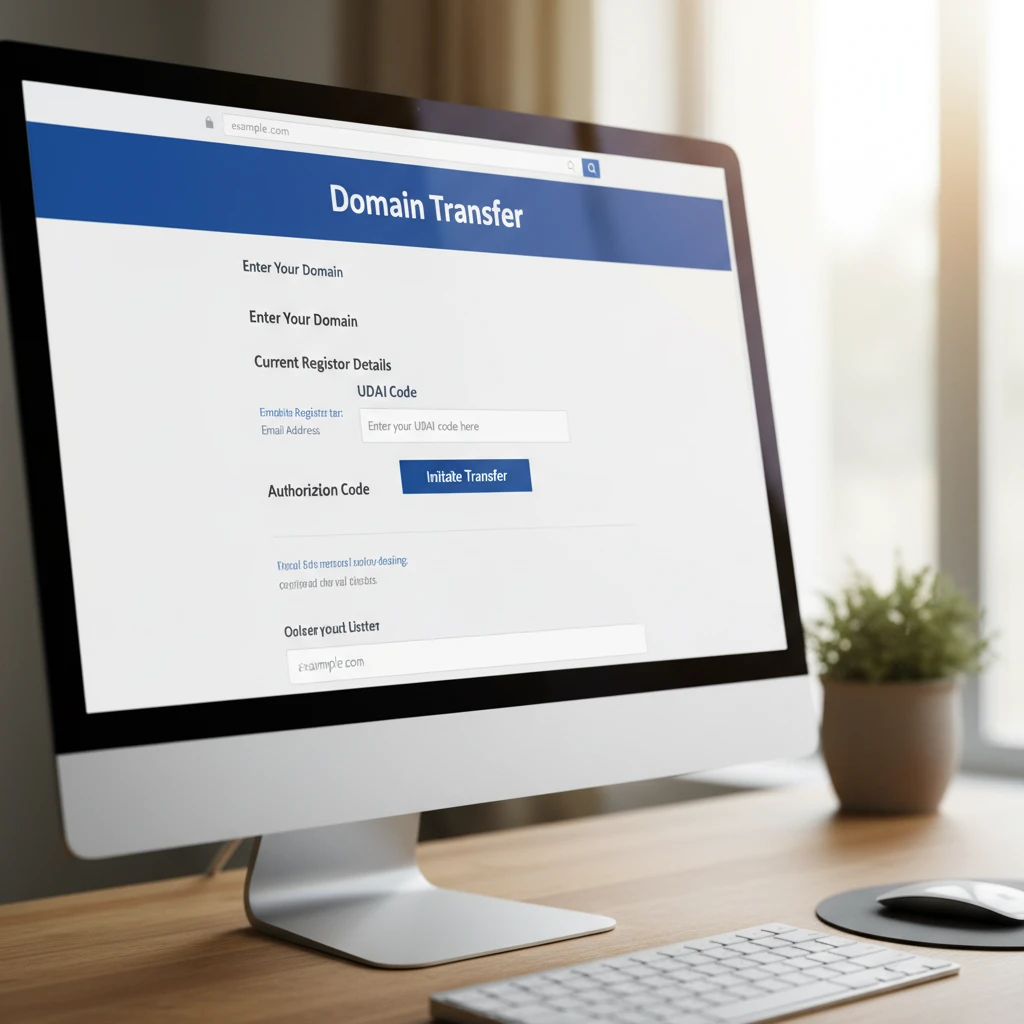
Crucial for NZ Domains: The seller must provide the UDAI code to the buyer. The buyer then uses this code at their preferred registrar (e.g., Crazy Domains, Metaname, 1st Domains) to initiate the transfer.
Step 4: Buyer Inspection
Once the domain is in the buyer’s registrar account, the buyer logs into Escrow.com and marks the item as “Received.” The inspection period timer begins. The buyer verifies that the Whois data has updated (or will update) and that they have full control over the DNS settings.
Step 5: Release of Funds
After the inspection period expires or the buyer manually accepts the goods, Escrow.com releases the funds to the seller. The seller can receive funds via wire transfer to their NZ bank account (which will be converted to NZD by their receiving bank) or via PayPal.
Hidden Costs: FX Rates and Bank Wires
When using an escrow.com fees calculator for NZ transactions, you must look beyond the platform fee. The “hidden” friction costs of international finance can eat into your margins if not calculated correctly.
The Intermediary Bank Fee
When sending a wire from New Zealand to the US or Australia, the funds often pass through an intermediary bank. This bank may deduct a fee (usually $15-$25 USD) from the principal amount. If the buyer sends exactly $2,000, Escrow.com might receive $1,975. This causes the transaction to be “underfunded,” halting the process until the difference is paid. Pro Tip: Always add an extra $25 USD to your wire transfer to cover intermediary fees.
GST Considerations
For New Zealand businesses, the purchase of a domain name is a business expense. However, Escrow.com is a US-based entity. You generally will not be charged NZ GST (15%) on the Escrow fee itself, but you should consult with your accountant regarding the GST implications of the domain purchase price if you are buying from a GST-registered NZ seller versus an international seller.

Frequently Asked Questions
Can I use New Zealand Dollars (NZD) on Escrow.com?
Currently, Escrow.com does not support NZD as a transaction currency. You must transact in USD, AUD, EUR, or GBP. New Zealand users typically choose USD or AUD. Your NZ bank will handle the currency conversion when you send the funds.
How long does an Escrow.com transaction take for NZ users?
A standard transaction takes between 5 to 10 business days. International wire transfers from NZ banks can take 2-3 business days to arrive in Escrow.com’s account. The domain transfer process for .nz domains is usually instant once the UDAI is used, speeding up the delivery phase.
Is Escrow.com safe for New Zealand traders?
Yes, Escrow.com is the safest method for high-value transactions. They are a fully licensed and regulated escrow company. They protect both parties from fraud, which is prevalent in peer-to-peer marketplaces.
Does the Escrow fee include the domain transfer fee?
No. The Escrow.com fee only covers the service of holding the funds. You will still need to pay your domain registrar (e.g., GoDaddy, Crazy Domains) for the domain renewal or transfer fee when you input the UDAI code.
What is the Domain Concierge Service?
For an additional fee, Escrow.com offers a Concierge Service where they handle the domain transfer for you. They take control of the domain from the seller and push it to the buyer. This is useful for users who are uncomfortable with the technical aspects of UDAI codes and DNS settings.
How do I withdraw my money to a New Zealand bank account?
When setting up your disbursement method, you will provide your NZ bank account details, including your SWIFT code and account number. Escrow.com will wire the funds in the transaction currency (e.g., USD). Your bank (ANZ, BNZ, etc.) will receive the USD and convert it to NZD at their daily exchange rate before depositing it into your account.
