

A UDAI code usually fails because it has expired after the mandatory 30-day validity period, contains a typographical error (such as confusing zero for the letter ‘O’), or has been invalidated by the generation of a replacement code. To resolve this, verify the characters carefully, check the generation date, or request a fresh 8-character authorization key from the current registrar.
Understanding the UDAI Code System in New Zealand
In the landscape of New Zealand’s digital infrastructure, the Unique Domain Authentication ID (UDAI) is the linchpin of domain security and portability. Administered under the policies of the Domain Name Commission (DNC), this 8-character alphanumeric code acts as the password for your .nz domain name. It is required for specific administrative actions, most notably transferring a domain from one registrar to another or changing the registrant’s details.
Unlike generic top-level domains (gTLDs) like .com which use EPP codes, the .nz namespace utilizes the UDAI specifically to prevent unauthorized hijacking. However, the security protocols attached to these codes often lead to confusion and frustration when a transfer fails. If you are receiving an “Invalid UDAI” error, it does not necessarily mean the domain is locked forever; it simply means one of the security conditions has not been met.
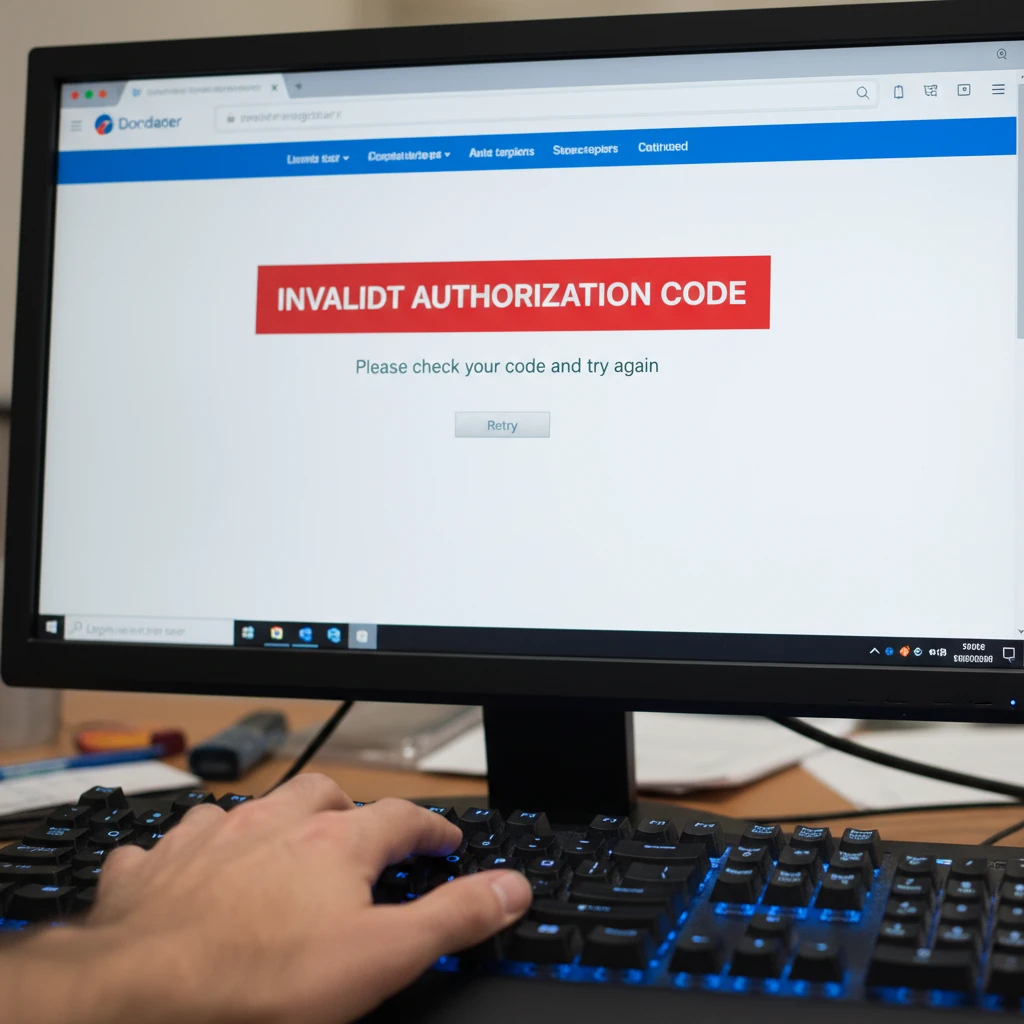
Why Is My UDAI Code Not Working?
When a UDAI code is rejected, it is almost always due to one of four specific reasons. The .nz registry system is binary; the code is either valid or it is not. There is rarely a ‘glitch’ in the central registry itself. Understanding these common pitfalls is the first step toward a successful transfer.
1. The 30-Day Expiration Rule
Security is paramount in the .nz namespace. Consequently, UDAI codes are not permanent passwords. From the moment a UDAI is generated by a registrar, it has a lifespan of exactly 30 days. If you generated the code on the 1st of the month and attempt to use it on the 31st, it will be rejected as invalid. This is the most common reason for failure, particularly in the secondary market where negotiations between a buyer and seller may drag on for weeks.
2. Typographical Errors and Character Confusion
The UDAI is an 8-character string comprising numbers and letters. It is case-sensitive and randomly generated. A frequent source of frustration is the visual similarity between certain characters. If you are manually typing the code rather than copying and pasting, you are prone to the following errors:
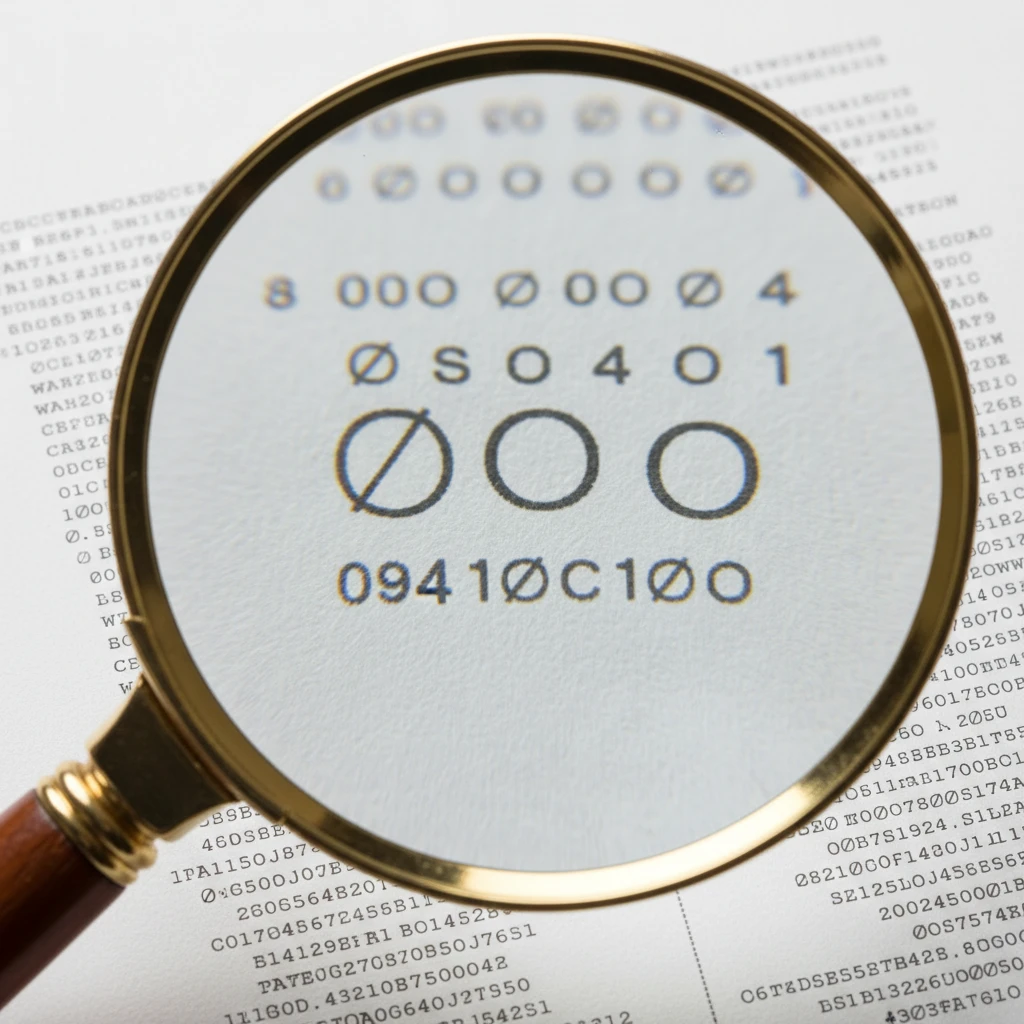
- The Letter ‘O’ vs. The Number ‘0’: This is the most frequent culprit. In many fonts, these look nearly identical.
- The Letter ‘l’ (lowercase L) vs. The Number ‘1’ vs. The Letter ‘I’ (capital i): These three characters can be indistinguishable depending on the typeface used by your registrar’s dashboard.
- Trailing Spaces: When copying and pasting, users often accidentally select a blank space at the end of the code. The receiving system reads this space as an extra character, rendering the 8-character code as a 9-character string, causing an immediate failure.
3. Code Supersession (Regeneration)
A domain can only have one valid UDAI at a time. If you or another administrator logs into the registrar account and clicks “Generate UDAI,” the previous code is immediately destroyed and rendered useless, even if it was generated only minutes ago. In corporate environments where multiple people have access to the domain management portal, one team member might generate a code for a transfer, and another might unknowingly regenerate it later, breaking the transfer process for the first person.
4. Domain Status Locks
Even if the UDAI is correct, the transfer will fail if the domain status is set to “Prohibited.” While less common in the .nz space compared to .com, registrars can place a lock on a domain due to payment disputes, recent registration (within 5 days), or legal proceedings. In this state, the UDAI is technically valid, but the action it authorizes is blocked.
Expired vs. Incorrect Codes: Diagnosing the Issue
Distinguishing between an expired code and an incorrect one can save you significant time. While the error message “Invalid UDAI” is often a catch-all, the context of the error can provide clues.
Symptoms of an Expired Code
If the code was working previously (e.g., you tested it a few weeks ago) but is now failing, it has likely hit the 30-day expiration mark. In the New Zealand domain secondary market, this often happens when a seller provides a code at the start of a transaction (escrow), but the buyer doesn’t initiate the transfer until funds clear weeks later. If the code is exactly 8 characters long and you are certain of the spelling, assume it is expired.
Symptoms of an Incorrect Code
If the failure occurs immediately upon the first attempt, and the code was generated recently, the issue is likely syntax. Check the length. A UDAI must be exactly 8 characters. If your clipboard has 9 characters, you have a trailing space. If you are typing it manually, try swapping ambiguous characters (0 for O, 1 for l).
UDAI Issues in the Secondary Domain Market
For domain investors and businesses purchasing pre-owned .nz domains, the UDAI is the “keys to the kingdom.” However, the secondary market presents unique challenges regarding UDAI validity.
When buying a domain, the seller is responsible for providing the UDAI. If you are the buyer and the code is not working, do not accuse the seller of fraud immediately. It is highly probable that the seller generated the code months ago and saved it in a spreadsheet, unaware of the 30-day expiry rule. This is a standard oversight in domain portfolio management.
Best Practice for Buyers: Always request that the seller generates a fresh UDAI at the moment of transfer initiation to ensure full 30-day validity. Verify the code immediately upon receipt.

How to Request a UDAI Regeneration
If your code is expired, incorrect, or simply lost, you must generate a new one. You cannot “reactivate” an old code. The process is generally standardized across all authorized .nz registrars, though the interface may vary slightly.
Step-by-Step Regeneration Process
- Log in to your Registrar Console: Access the account where the domain is currently registered.
- Navigate to Domain Management: Look for a section labeled “My Domains,” “Domain Manager,” or “Services.”
- Select the Domain: Click on the specific .nz domain you wish to transfer.
- Locate the UDAI/Auth Code Option: This is often found under headings like “Domain Extras,” “Transfer Options,” or “Registry Key.”
- Click “Generate New UDAI”: There will be a button to generate or display the code. Note that some registrars display the current valid code, while others require you to click a button to create a new one. Warning: Clicking ‘Generate’ invalidates any previous codes immediately.
- Copy the Code: Copy the new 8-character string to your clipboard.
Once generated, the new code is live instantly in the central registry. There is no propagation delay.
When to Contact Registrar Support
In 95% of cases, the user can resolve UDAI issues via the self-service portal. However, there are scenarios where you must escalate the issue to support.
The Registrar Lockout
If you cannot log in to the registrar (perhaps you lost access to the email address on file), you cannot generate a UDAI. In this case, you must contact the registrar’s support team to undergo an identity verification process. They will manually generate the UDAI and send it to the verified owner.
Reseller Issues
Some domains are managed by resellers (web designers or IT companies) rather than directly with a registrar. If your reseller is unresponsive or refusing to release the UDAI, this is a breach of .nz policy. You should contact the upstream registrar directly. If the registrar fails to assist, you can file a complaint with the Domain Name Commission (DNC), who can intervene to ensure the UDAI is released to the rightful registrant.

Frequently Asked Questions
How long is a UDAI code valid for?
A UDAI code is valid for exactly 30 days from the moment it is generated. After this period, it expires automatically for security reasons and a new one must be generated.
Can I create my own custom UDAI code?
No, UDAI codes are automatically generated by the registry system to ensure they are random and secure. You cannot choose your own password or characters.
Does generating a new UDAI stop a transfer in progress?
Yes. If a transfer has been initiated but not yet completed, generating a new UDAI will invalidate the code used for the transfer request, likely causing the transfer to fail.
Is the UDAI code the same as an EPP code?
Functionally, yes. They both serve as authorization keys for transfers. However, “UDAI” is the specific terminology used for the .nz namespace, while “EPP Code” or “Auth Code” is used for .com and other gTLDs.
What if my registrar refuses to give me the UDAI?
Under .nz policies, a registrar must provide the UDAI upon request. If they refuse or charge a fee for the code itself (transfer fees are allowed, code fees are not), you can lodge a formal complaint with the Domain Name Commission.
Can I use the same UDAI for multiple transfers?
A UDAI is unique to a specific domain name. You cannot use the UDAI from Domain A to transfer Domain B. However, if you are transferring a single domain between multiple registrars within the 30-day window (unlikely but possible), the code remains valid until it expires or is regenerated.
