

Hiring Shopify experts NZ for domain setup ensures your .co.nz domain connects seamlessly to your store without downtime. Professional configuration involves precise DNS mapping, A Record adjustments, and immediate SSL certification, preventing common DIY errors that damage SEO rankings and customer trust for New Zealand retailers.
For New Zealand retailers, your digital storefront is your most valuable asset. The bridge between your brand and your customers is your domain name, specifically the trusted .co.nz extension. However, connecting this domain to the Shopify ecosystem is rarely as simple as clicking a button. It requires precise manipulation of the Domain Name System (DNS), a task where a single typo can take your business offline for days.
This guide explores the technical intricacies of domain configuration and why leveraging shopify experts nz for domain setup is the strategic move for serious digital asset management.
Why DIY Setups Often Fail for .co.nz Domains
Many business owners assume that buying a domain and starting a Shopify store are plug-and-play operations. While Shopify makes the interface user-friendly, the backend networking required to point a third-party New Zealand registrar (like Crazy Domains, Freeparking, or SiteHost) to Shopify’s Canadian and US servers is complex.
The primary reason DIY setups fail is a misunderstanding of DNS propagation and record priority. When you attempt to configure a domain yourself without technical expertise, you are essentially editing the roadmap of the internet for your brand. If that map is drawn incorrectly, traffic hits a dead end.

The “Root Domain” vs. “Subdomain” Confusion
A common failure point is the distinction between the root domain (e.g., yourstore.co.nz) and the subdomain (e.g., www.yourstore.co.nz). Shopify requires specific instructions for both. Often, DIY attempts result in the “www” working, but the root domain failing, or vice versa. This splits your traffic and creates duplicate content issues that Google’s algorithm penalizes heavily.
The TTL (Time to Live) Trap
Another technical hurdle is the Time to Live (TTL) setting. If you make a mistake in your DNS records, that mistake is cached by ISPs globally based on the TTL value. If your TTL is set to 24 hours, your store could be inaccessible for a full day before you can even attempt a fix. Our shopify experts nz for domain setup mitigate this by lowering TTL values prior to migration, ensuring that any necessary adjustments propagate rapidly.
Our Managed Setup Service for NZ Retailers
In the realm of Digital Asset Management & Brokerage, we treat your domain not just as a web address, but as a high-value piece of intellectual property. Our managed setup service is designed to eliminate risk. We do not simply “connect” the domain; we architect the DNS environment to support high-volume traffic, email security, and SEO stability.
When you engage professional assistance, you are paying for continuity. We act as the bridge between your registrar and Shopify, handling the technical dialogue that often confuses store owners.

What Our Service Includes
- Registrar Audit: We verify that your registrar (e.g., GoDaddy, Discount Domains) supports the necessary protocols for Shopify integration.
- DNS Cleanup: We remove conflicting records from previous hosting providers (like WordPress or Wix) that often linger and block Shopify connections.
- Email Protection: We ensure that changing your website records does not crash your business email (MX records), a common catastrophe in DIY migrations.
- Local Support: As NZ-based experts, we operate in your timezone, ensuring that cutovers happen during your low-traffic hours, not in the middle of the Kiwi trading day.
Configuring CNAME and A Records Correctly
For those interested in the technical mechanics, a perfect Shopify connection relies on two specific DNS record types: the A Record and the CNAME Record. Getting these wrong is the source of 90% of connection issues.
What is the correct A Record for Shopify?
The correct A Record for Shopify must point your root domain (without the www) to Shopify’s specific IP address: 23.227.38.65. You must delete any other A Records associated with the root domain to prevent IP conflicts.
Having multiple A records is like having two GPS destinations for the same address; the browser won’t know which server to load, resulting in intermittent connectivity issues. Our team scans for hidden A records that registrars sometimes default to their own “parking” pages.
How to set up the CNAME Record?
The CNAME (Canonical Name) record handles the “www” version of your site. It must point to shops.myshopify.com. This allows Shopify to efficiently route traffic and manage load balancing.
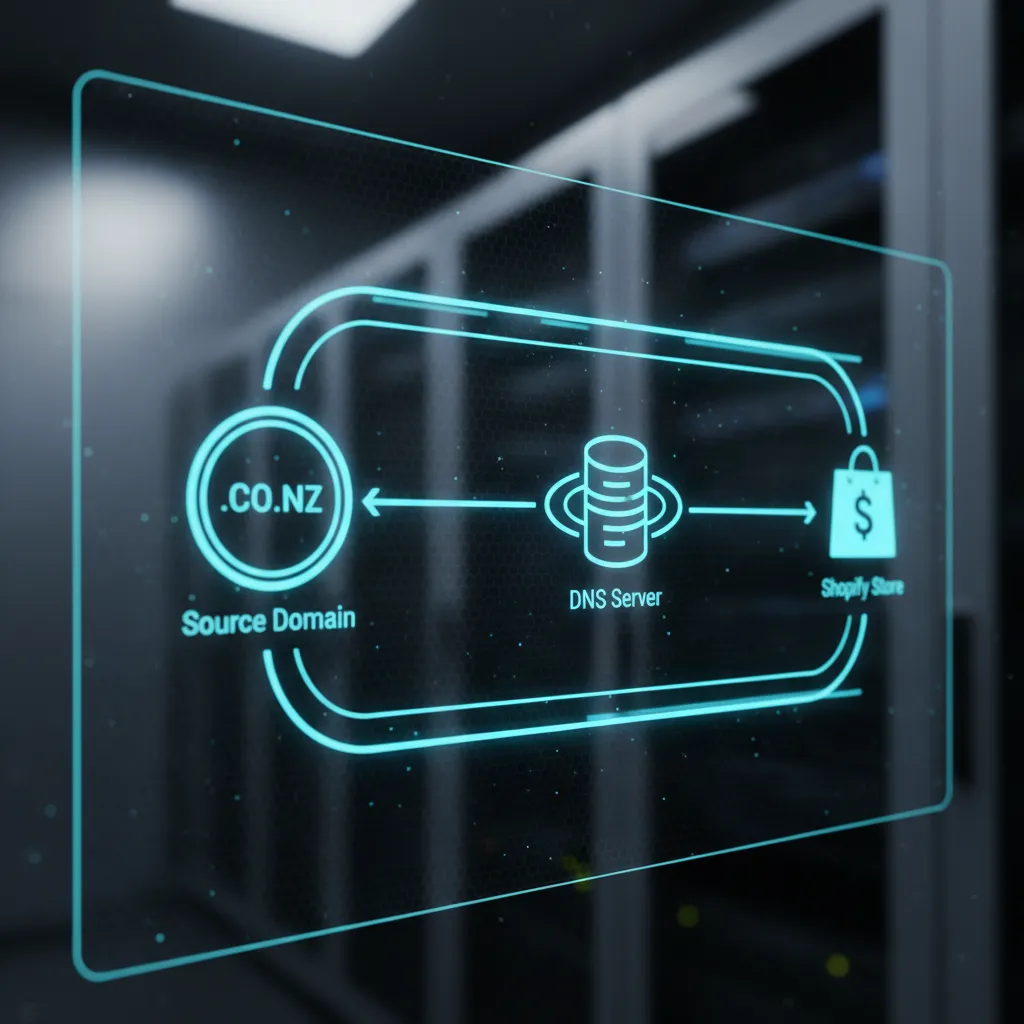
Crucial Warning: Never use an A Record for your “www” subdomain, and never use a CNAME for your root domain. Doing so violates DNS protocols (specifically RFC 1034) and can break email delivery for your entire organization.
Ensuring SSL Certificates Activate Properly
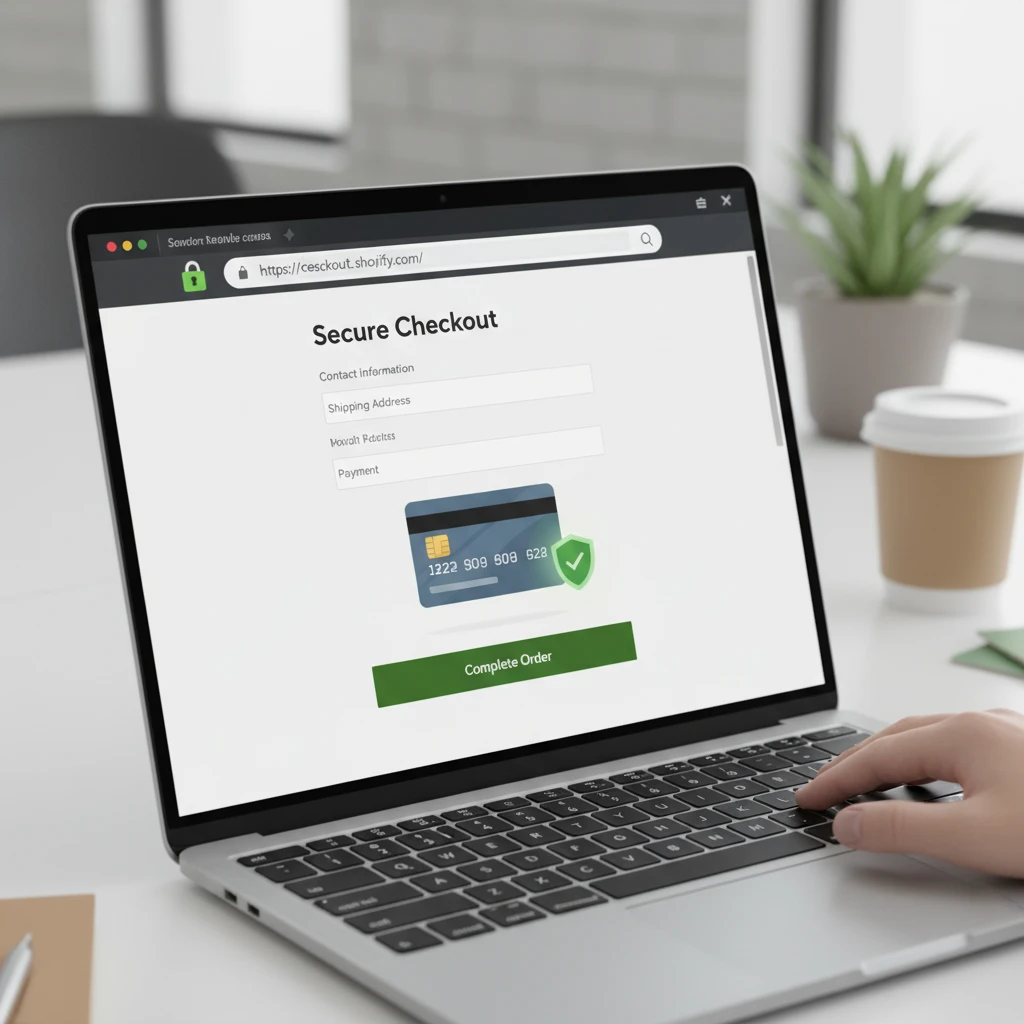
Security is paramount for e-commerce. If your customers see a “Not Secure” warning in their browser bar, they will leave immediately. Shopify provides free SSL (Secure Sockets Layer) certificates, but they do not activate automatically if the DNS is imperfect.
Why does my Shopify store say “SSL Pending”?
A Shopify store displays “SSL Pending” when the DNS records have not fully propagated or are configured incorrectly. The SSL certificate cannot be issued until the certificate authority verifies that the A Record and CNAME are pointing exclusively to Shopify. This process usually takes up to 48 hours but can be stalled indefinitely by CAA record conflicts.
CAA (Certification Authority Authorization) records are security measures that restrict which authorities can issue certificates for your domain. If your previous host set strict CAA records, Shopify’s provider (Let’s Encrypt or GlobalSign) may be blocked. Part of our shopify experts nz for domain setup protocol involves auditing and removing these blocking records to ensure the padlock icon appears immediately.
Protecting Email Deliverability During Transition
A critical oversight during domain setup is the impact on business email. If you use Google Workspace (formerly G Suite) or Microsoft 365 attached to your .co.nz domain, your email relies on MX (Mail Exchange) records.
When switching website platforms, novice users often reset their “Nameservers” to Shopify’s default settings (though Shopify generally recommends pointing records via A and CNAME rather than changing nameservers). If you change nameservers without copying over your MX records, your email will go down instantly.
Our brokerage approach ensures that we map your existing email infrastructure before touching the website DNS. We ensure that SPF (Sender Policy Framework) and DKIM (DomainKeys Identified Mail) records are preserved, ensuring your transactional emails—like order confirmations and shipping updates—don’t end up in your customers’ spam folders.
Why Expert Setup is an Investment, Not a Cost
In the competitive New Zealand e-commerce market, downtime is lost revenue. A broken domain setup doesn’t just stop sales; it disrupts your Google Shopping feeds, breaks your Facebook Pixel tracking, and damages your organic SEO rankings.
By hiring dedicated shopify experts nz for domain setup, you are securing your digital asset against volatility. We provide the assurance that your store is technically sound, secure, and ready to scale.
People Also Ask
How long does it take for a .co.nz domain to connect to Shopify?
Typically, a .co.nz domain takes between 2 to 24 hours to propagate fully after updating DNS records. However, if the TTL (Time to Live) settings were high previously, it can take up to 48 hours. Our experts can often accelerate this by managing TTL prior to the switch.
Can I use my existing NZ email address with Shopify?
Yes, absolutely. Shopify does not host email, but you can maintain your email hosting (like Xtra, Google Workspace, or Outlook) with your current provider. The setup requires keeping your MX records intact while only changing the A and CNAME records for the website traffic.
What is the difference between transferring and connecting a domain?
Connecting a domain keeps your domain registered with your current NZ provider (like Freeparking) while pointing it to Shopify. Transferring a domain moves the actual management and billing of the domain to Shopify. We generally recommend connecting for .co.nz domains to keep local support options open.
Why is my Shopify site showing a “Not Secure” warning?
This warning appears when the SSL certificate has not yet been issued or installed. This is almost always caused by incorrect DNS settings or conflicting CAA records preventing Shopify from validating your domain ownership.
Do I need a specific registrar for Shopify in NZ?
No, Shopify works with any registrar. However, some NZ registrars like SiteHost or Metaname offer better DNS management tools than others. We can work with any provider to configure the necessary records.
How do I fix the “A Record is used by another shop” error?
This error occurs if your domain was previously connected to another Shopify store (perhaps a trial account you forgot about). You must log into the old account to remove the domain, or contact Shopify support with proof of domain ownership to have the link manually severed.
