

To unlock a domain for transfer that is secured by a Registry Lock, the domain owner must initiate a manual authentication protocol with their registrar. This rigorous process requires offline verification—often involving a passphrase or written authorization—to remove the ‘ServerTransferProhibited’ status at the registry level, thereby enabling the generation of a valid transfer auth code (UDAI).
Selling a high-value domain name in the New Zealand secondary market requires navigating complex security protocols. If you have protected your asset with a Registry Lock, you cannot simply toggle a switch in your dashboard to transfer ownership. This guide details the precise steps to safely remove these restrictions and facilitate a smooth transaction.
What is a Registry Lock?
A Registry Lock is the highest level of protection available for a domain name. Unlike standard security measures, this lock is applied directly at the registry level (for .nz domains, this is the level managed by InternetNZ). When active, it prevents any automated changes to the domain record, including DNS updates, contact modifications, and, most crucially, transfers.
For investors in the domain secondary market, a Registry Lock is a double-edged sword. While it provides unparalleled security against domain hijacking and unauthorized transfers during the holding period, it introduces significant friction when it is time to sell. The lock renders the standard UDAI (Unique Domain Authentication ID) useless for transfer until the registry explicitly lifts the restriction.

How does a Registry Lock differ from a standard lock?
It is vital to distinguish between the two types of locks before attempting to unlock a domain for transfer. Confusing them can lead to unnecessary delays in your sales pipeline.
Standard Registrar Lock (ClientTransferProhibited)
Most domain owners are familiar with the standard lock found in their registrar’s control panel. This is a software-level toggle that prevents unauthorized transfers. When you toggle this off, the status changes instantly, allowing you to generate an auth code. In the WHOIS data, this appears as ClientTransferProhibited.
Registry Lock (ServerTransferProhibited)
A Registry Lock is a manual service. It overrides the registrar’s automated systems. Even if a hacker gains access to your registrar account, they cannot transfer the domain because the registry itself creates a firewall against changes. In the WHOIS data, this appears as ServerTransferProhibited, ServerUpdateProhibited, and ServerDeleteProhibited. To unlock a domain for transfer with this status, human intervention is required.
What are the security verification steps to unlock?
Removing a Registry Lock is intentionally difficult. It is designed to fail-safe, meaning if there is any doubt about the requestor’s identity, the lock remains. The process to unlock a domain for transfer generally follows a strict “three-way handshake” protocol involving the registrant, the registrar, and the registry.
1. The Authorization Request
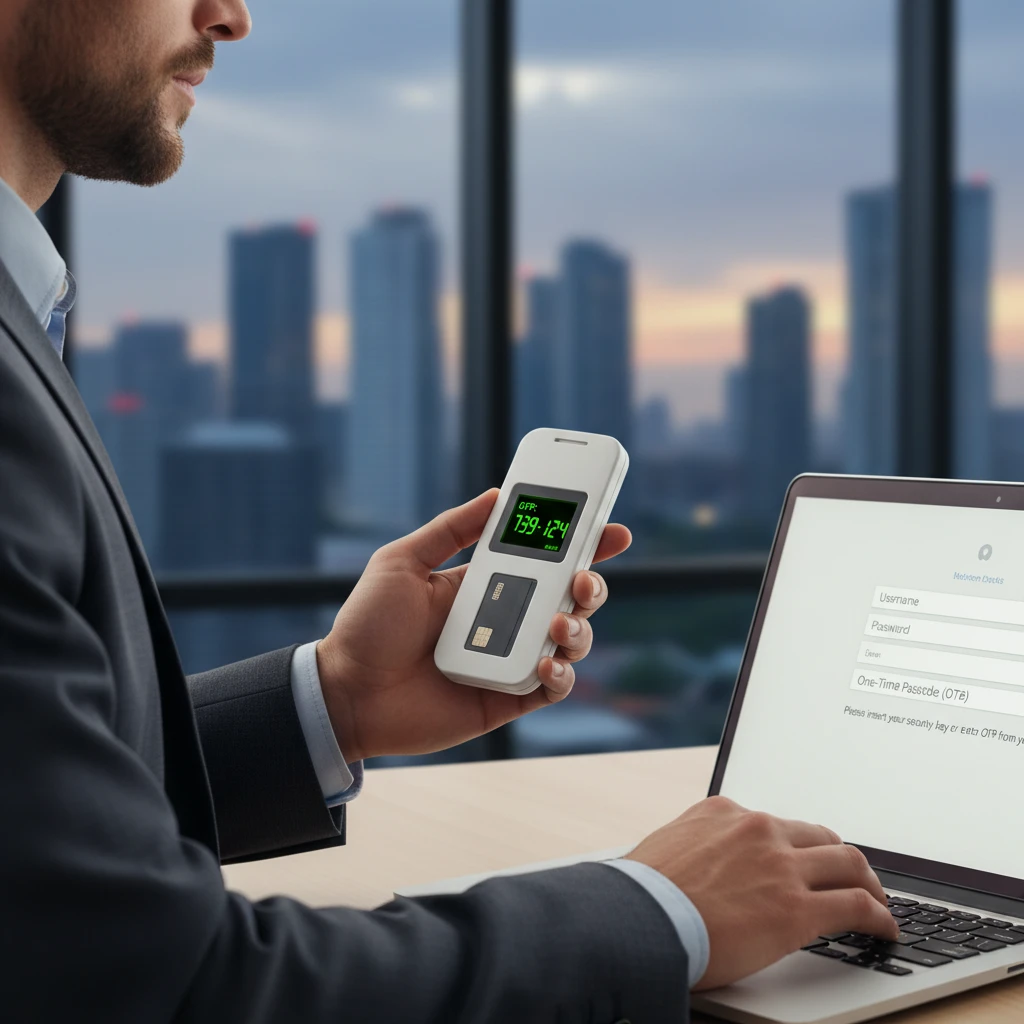
The process begins when you, the authorized contact, submit a formal request to your registrar to remove the lock. This cannot usually be done via a ticketing system alone. It often requires an email from the authorized address on file, specifically requesting the removal of the Registry Lock service.
2. Offline Identity Verification
This is the critical differentiator. Your registrar will likely require offline verification. Depending on the registrar’s policy and the value of the domain, this may include:
- Passphrase Verification: Providing a pre-agreed verbal passphrase via a phone call.
- Notarized Documents: Submitting a signed, notarized affidavit confirming the request.
- Video Verification: A live video call with a compliance officer to verify your photo ID.
- Two-Person Rule: For corporate domains, approval may be required from two separate authorized contacts.
3. Registrar-Registry Communication
Once the registrar has verified your identity, they must manually contact the registry (e.g., InternetNZ for .nz domains). They will submit a request to change the domain status. The registry then validates the registrar’s request before manually updating the database.
What is the timeline for unlocking?
In the high-stakes environment of domain sales, time kills deals. Understanding the timeline is essential for managing buyer expectations. Unlike standard unlocks which are instantaneous, removing a Registry Lock is a manual workflow.
Standard Timeline Breakdown:
- Initial Request: 1 – 4 hours (during business hours).
- Identity Verification: 24 – 48 hours. This depends heavily on your availability and the method of verification required (e.g., scheduling a notary takes time).
- Registry Processing: 12 – 24 hours. Once the registrar submits the request to the registry, the registry’s technical team must execute the change.
- Propagation: 1 – 4 hours. Once the status is changed to ‘OK’ or strictly ‘ClientTransferProhibited’, the WHOIS database must update.
Total Estimated Time: 2 to 5 Business Days.
Pro Tip: Do not initiate the transfer process with the buyer until you have visually confirmed via a WHOIS lookup that the “Server” status codes have been removed. Attempting to transfer before this will result in a failed transaction and a frustrated buyer.

How to coordinate with the buyer?
When you unlock a domain for transfer, you are temporarily lowering your shields. This is the most vulnerable moment in the domain’s lifecycle. Coordination with the buyer and the use of an escrow service is non-negotiable for high-value transactions.
Using Escrow Services
Never unlock a high-value domain until funds are secured in escrow. In the New Zealand market, using a reputable service like Escrow.com or a local legal escrow ensures that the buyer is committed. The workflow should be:
- Agreement: Buyer and seller sign the contract.
- Funding: Buyer deposits funds into escrow.
- Verification: Escrow service verifies funds and instructs seller to transfer.
- Unlock: Only now do you initiate the Registry Lock removal process.
Managing the “Vulnerability Window”
Once the Registry Lock is removed, the domain is technically more vulnerable to hijacking, although the standard Registrar Lock remains. To minimize risk:
- Keep the standard
ClientTransferProhibitedlock on until the very moment you are ready to send the UDAI (Auth Code). - Ensure your email account has robust 2FA (Two-Factor Authentication), preferably using a hardware key (YubiKey) rather than SMS.
- Inform the buyer of the 2-5 day delay required to remove the Registry Lock so they do not panic when the transfer isn’t instant.
Navigating the .nz Secondary Market
For New Zealand domain investors, the local ecosystem has specific nuances. The .nz registry is managed by InternetNZ, and the dispute policies are overseen by the Domain Name Commission (DNC).
The UDAI Factor
In the .nz namespace, the authorization code is called the UDAI (Unique Domain Authentication ID). Unlike some generic TLDs where auth codes might last for weeks, a UDAI is generated specifically for the transfer. When you remove the Registry Lock, your existing UDAI may not be valid, or you may need to generate a new one immediately to ensure it works with the new status.

Registrar Support Levels
Not all NZ-authorized registrars support Registry Lock. It is primarily offered by enterprise-focused registrars. If you are selling a domain held at a retail-grade registrar that does not offer phone support, the manual unlocking process can be excruciatingly slow. If you anticipate selling a high-value domain, consider moving it to a registrar with a dedicated account manager 60 days prior to the sale (to avoid the 60-day transfer lock) to facilitate a smoother manual unlock process when the time comes.
Re-locking if the Sale Fails
If the buyer backs out after you have removed the Registry Lock, you must immediately re-apply it. Do not leave a premium domain protected only by standard security for longer than necessary. Treat the “unlocked” status as a temporary emergency state.
Conclusion
Unlocking a domain for transfer when a Registry Lock is involved is a procedural task that demands patience and precision. It transforms a simple automated click into a multi-day administrative process. However, this friction is the price of premium security. By understanding the verification steps, managing the timeline effectively, and coordinating closely with your buyer and escrow service, you can ensure that the transfer of your digital asset is as secure as its storage.
How much does it cost to remove a Registry Lock?
Typically, there is no specific fee to remove the lock, but the service itself is often a paid annual subscription. Some enterprise registrars may charge an administrative fee for the manual verification process required to lift the lock.
Can I unlock a domain instantly?
No. If a Registry Lock is active, instant unlocking is impossible due to the manual verification required by the registry. You should budget at least 2 to 5 business days for the process.
What is the difference between ClientTransferProhibited and ServerTransferProhibited?
ClientTransferProhibited is a standard lock controlled by your registrar dashboard. ServerTransferProhibited is a high-security lock applied by the registry that requires manual intervention to remove.
Will unlocking my domain affect my DNS settings?
Unlocking the domain itself does not change DNS settings. However, while the Registry Lock is active, you cannot change DNS. Once unlocked, DNS changes are possible, but the act of unlocking does not alter existing records.
Do I need to provide the UDAI immediately after unlocking?
Yes, once the Registry Lock is removed and the standard lock is toggled off, you should generate a new UDAI and provide it to the buyer (or escrow service) to initiate the transfer immediately.
Is it safe to unlock a domain before the buyer pays?
No. You should never unlock a high-value domain until the buyer’s funds have been secured and verified by a trusted escrow service. Unlocking prematurely exposes the domain to unnecessary risk.
