

Bulk domain transfer nz processes involve moving multiple .nz domain names from one registrar to another simultaneously to consolidate portfolios or reduce costs. This requires a valid Unique Domain Authentication ID (UDAI) for each domain, typically managed via a CSV bulk upload tool or API integration provided by wholesale-friendly registrars.
Understanding the Mechanics of .nz Bulk Transfers
In the New Zealand domain secondary market, efficiency is the currency of success. Whether you are a domain investor consolidating a newly acquired portfolio or a corporate IT manager centralizing brand assets, understanding the specific architecture of the .nz registry is paramount. Unlike generic top-level domains (gTLDs) like .com, which utilize Auth-Codes and often require a 5-day waiting period, the .nz namespace operates on a faster, more immediate protocol governed by the Domain Name Commission (DNC).
The core of any .nz transfer is the UDAI (Unique Domain Authentication ID). In a bulk scenario, the complexity multiplies. You are not just moving one asset; you are orchestrating the simultaneous migration of hundreds or thousands of digital properties. A failure in one line of data can stall the entire batch, leading to administrative headaches and potential downtime.
Successful bulk transfers rely on data integrity. The registry does not “pull” domains based on ownership verification alone; it requires the specific cryptographic key (UDAI) for every single domain. Therefore, the bulk transfer process is less about the actual transmission of data and more about the meticulous preparation of that data before the button is pressed.

Managing Multiple UDAI Codes Efficiently
The UDAI is an 8-character alphanumeric code generated by the registrar. It is the master key for the domain. When dealing with single transfers, generating a UDAI is trivial. When dealing with 500 domains, it becomes a logistical challenge.
Validity and Expiration
UDAI codes are not permanent. They are valid for a specific period (often 30 days) after generation. If you are acquiring a portfolio from a seller, you must ensure that the UDAIs provided are fresh. A common pitfall in the secondary market is the “stale list,” where a seller provides a spreadsheet of domains and codes generated months ago. These will fail immediately upon upload.
Bulk Generation Strategies
To manage this efficiently, you must demand bulk generation from the losing registrar (if you own the domains) or the seller. Most retail registrars allow you to click a button to generate a UDAI for a single domain, but few offer a “Generate All” button in the front-end interface.
Professional Tip: If the current registrar does not have a bulk export feature for UDAIs, you may need to utilize API access if available, or request a manual export from their support team. For high-value portfolios, registrars are often willing to provide a CSV export of all active UDAIs to facilitate the client’s needs, although they may try to retain your business first.
Organizing Spreadsheets for Buyers and Sellers
The backbone of a successful bulk transfer is the CSV (Comma Separated Values) file. This is the standard format accepted by almost every registrar’s bulk tool. However, the formatting must be precise. A single trailing space or a mix-up between columns will result in errors.
The Golden Standard for CSV Formatting
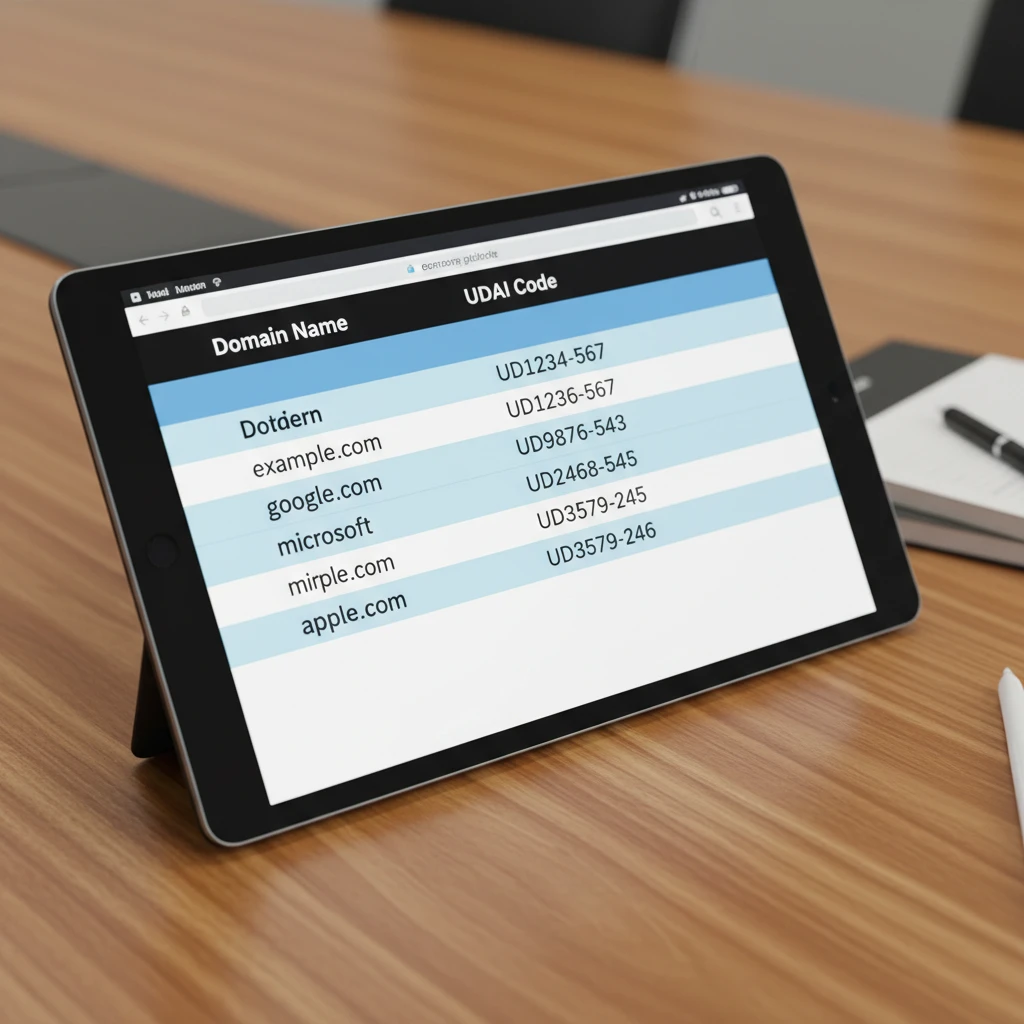
When preparing your transfer file, adhere to the following structure. While some registrars have proprietary column orders, the following data points are universally required:
- Column A: Domain Name (e.g., example.co.nz) – Ensure no “http://” or “www” prefixes are included.
- Column B: UDAI (e.g., a1b2C3d4) – Case sensitivity usually matters; preserve the exact casing.
- Column C: Contact ID (Optional but recommended) – Mapping the domain to a specific registrant contact profile in your new account.
Data Hygiene
Before attempting the upload, run your spreadsheet through a cleaning process. Use spreadsheet formulas to trim whitespace (=TRIM). Check for duplicate entries. Ensure that all domains are actually in “Active” status. A domain in “Pending Delete” or “Redemption” status cannot be transferred even with a valid UDAI.
Selecting Registrars with Robust Bulk Tools
Not all registrars are equipped to handle bulk volume. Retail-focused registrars often lack the interface necessary to process hundreds of domains at once, forcing users to input data manually. For the secondary market and commercial investors, selecting a registrar with wholesale capabilities is non-negotiable.
Key Features to Look For
When vetting a registrar for bulk .nz transfers, verify the following capabilities:
- Bulk CSV Import: The ability to upload a file rather than copy-pasting line by line.
- API Access: For portfolios exceeding 1,000 domains, an EPP (Extensible Provisioning Protocol) or REST API connection allows for scripted transfers, bypassing the web interface entirely.
- Asynchronous Processing: The system should accept the batch and process it in the background, providing a report upon completion, rather than timing out the browser window.
- Failed Transfer Reporting: If 5 out of 100 transfers fail, the system must explicitly identify which 5 failed and why (e.g., “Invalid UDAI” vs “Domain Locked”).
Negotiating Bulk Transfer Fees and Wholesale Rates
In the domain industry, volume dictates price. Standard retail renewal prices for .nz domains typically range from $20 to $40 NZD. However, the wholesale cost charged by the registry (InternetNZ) is significantly lower. Registrars add a markup to cover support and infrastructure.
If you are transferring 50+ domains, you should never pay the advertised retail rate. This is where commercial intent meets negotiation.
How to Structure the Deal
Contact the sales or wholesale department of the receiving registrar before you initiate the transfer. Prepare your numbers:
- Total Volume: “I am moving 250 .nz domains to your platform immediately.”
- Future Growth: “I acquire approximately 10 new domains per month.”
- Pre-payment: “I am willing to pre-fund my account with $5,000.”
Registrars prefer the liquidity of account credit. By offering to pre-fund the account, you demonstrate serious intent and lower their risk. In exchange, ask for a “Tiered” pricing structure. You should aim for a price point closer to the wholesale cost. For .nz domains, a bulk transfer usually triggers a renewal (adding 1 year to the expiry), so the transfer fee is essentially a renewal fee.

The Step-by-Step Bulk Transfer Execution
Executing the transfer is the final phase. Follow this rigid protocol to ensure zero loss of assets.
Phase 1: Preparation (The Losing Registrar)
Log into the current registrar. Ensure all domains are unlocked. By default, many registrars apply a “Registrar Lock” to prevent unauthorized transfers. You must bulk-unlock these. Once unlocked, generate your list of UDAIs.
Phase 2: Validation
Verify your CSV file against the UDAI list. Ensure the registrant contact details (Name, Email, Address) are up to date in the receiving registrar’s system. In .nz transfers, the registrant details are often overwritten by the profile selected at the gaining registrar, so ensure your “Default Contact” is correct to avoid ownership disputes.
Phase 3: Execution (The Gaining Registrar)
Upload your CSV to the bulk tool. The system will parse the file. Review the estimated cost. Once confirmed, initiate the batch.
Phase 4: Verification
Unlike .com transfers, .nz transfers are usually near-instantaneous once the UDAI is verified. Check the “My Domains” section of the new registrar. You should see the domains populate within minutes. Verify the new expiry dates (they should be extended by one year).

Troubleshooting Common Transfer Issues
Even with perfect preparation, errors occur. Here is how to handle the most common roadblocks in the NZ market.
Invalid UDAI Error
This is the most frequent error. It means the code provided does not match the registry’s hash. This happens if the code has expired or if the seller generated a new code after sending you the list (generating a new code invalidates the old one). Fix: Request a fresh UDAI generation immediately.
Registrar Lock / Prohibited Status
If the domain status is clientTransferProhibited, the transfer will fail. Fix: The seller must login and toggle the lock status to “Off”. Note that some registrars impose a 60-day lock after a change of registrant details, though this is less common in .nz than in gTLDs.
Dispute Resolution
If a registrar refuses to release a UDAI or delays a bulk transfer unreasonably, you can escalate the issue to the Domain Name Commission (DNC). The DNC regulates the .nz market and ensures that registrars comply with portability rules. Registrants have a right to transfer their domains.
Frequently Asked Questions
How long does a bulk .nz domain transfer take to complete?
Unlike .com domains which can take 5-7 days, .nz domain transfers are typically instantaneous. Once the valid UDAI is submitted to the new registrar and the fee is paid, the registry updates the record immediately. However, processing a bulk file of 500+ domains may take the registrar’s system 15-30 minutes to fully parse and complete.
Is there a fee to transfer .nz domains in bulk?
Yes, but it is typically a renewal fee. Transferring a .nz domain usually resets the billing cycle and adds one year to the current expiration date. Therefore, the cost you pay for the transfer is essentially the cost of a one-year renewal. Many registrars do not charge a separate “transfer fee” on top of the renewal cost.
What is a UDAI code and why do I need it?
The Unique Domain Authentication ID (UDAI) is an 8-character password assigned to every .nz domain. It acts as a security measure to prevent unauthorized transfers. You cannot transfer a .nz domain without this code. It must be obtained from the current (losing) registrar.
Can I transfer expired .nz domains?
Yes, you can transfer a .nz domain that has expired, provided it is still in the “Renewal Grace Period” (usually 90 days after expiry). However, the domain will not be active until the transfer is complete and the renewal fee is paid. If the domain has entered “Redemption” or “Pending Delete,” it cannot be transferred.
Do I lose the remaining time on my registration when I transfer?
No. When you transfer a .nz domain, any remaining time on the registration is carried over. The one-year renewal fee you pay during the transfer is added to the existing expiry date. You do not lose the time you have already paid for.
How do I check if a UDAI code is valid before transferring?
The New Zealand Domain Name Commission provides a UDAI validation tool on their website. You can input the domain name and the UDAI to verify if it is valid. For bulk transfers, you should ask the losing registrar to confirm the validity date of the exported codes.
