

To use GoDaddy Auctions in New Zealand, investors must purchase an annual membership, verify their account via email, and configure a valid payout method such as PayPal or a SWIFT-enabled NZ bank account. Once set up, users can list .nz domains for sale, bid on global inventory, and manage transactions directly through the auction dashboard, with all fees typically processed in USD and converted to NZD.
How do GoDaddy Auctions work for New Zealand users?
GoDaddy Auctions is one of the world’s largest marketplaces for the secondary domain market. For New Zealanders, it serves as a critical bridge to the global domain economy. While GoDaddy is a US-based entity, its infrastructure supports Kiwi investors effectively, provided they understand the nuances of currency conversion, international payout settings, and the specific regulations governing .nz Top-Level Domains (TLDs).
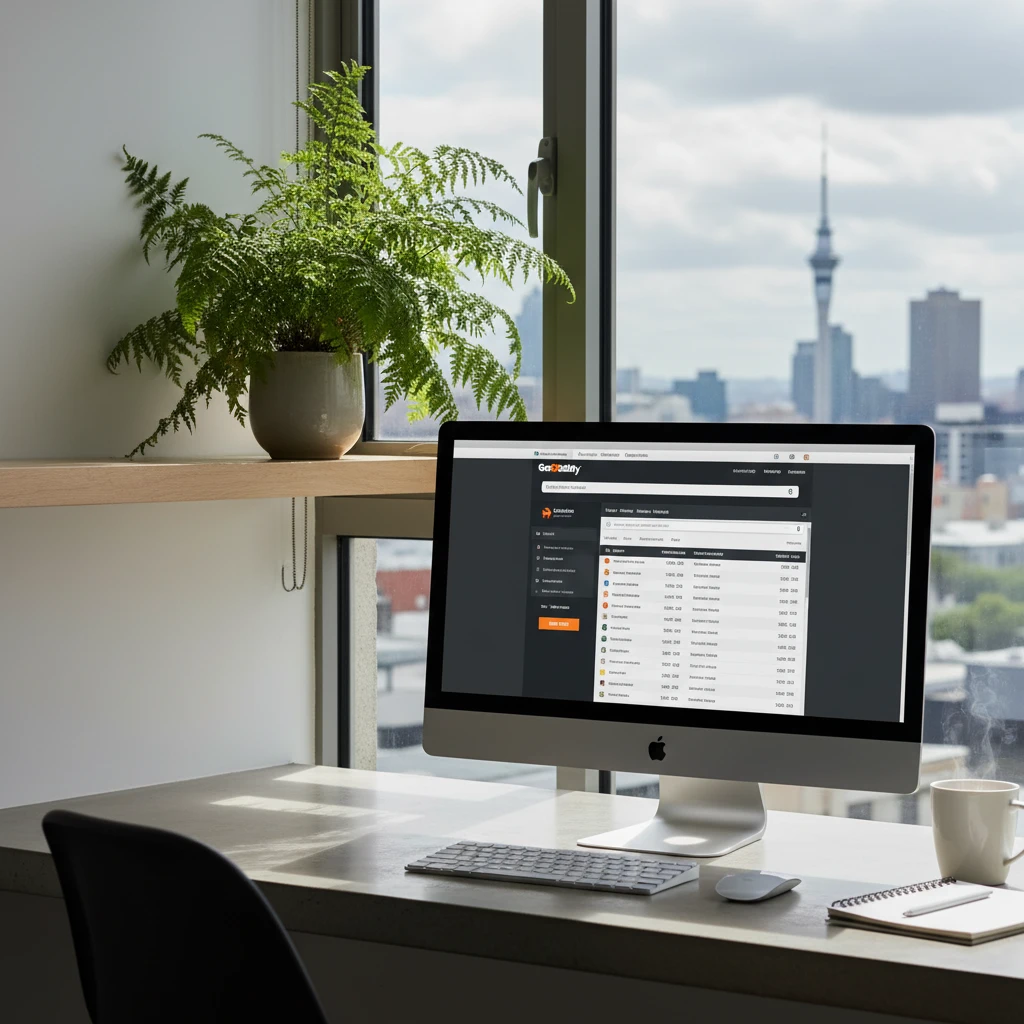
Unlike standard domain registration, the auction platform is a membership-based service. It allows you to buy expiring domain names, bid on closeouts, and sell your own portfolio. For the New Zealand market, this is particularly valuable because it aggregates demand; rather than trying to sell a .co.nz domain solely on local platforms like TradeMe, you expose that asset to a global audience of investors and brand managers.
Prerequisites for New Zealand Sellers
Before diving into the account creation process, there are specific prerequisites that New Zealand-based sellers must meet to ensure a smooth experience. The domain industry is heavily regulated to prevent fraud, and GoDaddy adheres to strict compliance protocols.
1. A Standard GoDaddy Account
You cannot use the auction house without a primary GoDaddy customer account. If you already manage your domains through GoDaddy, you are halfway there. If your domains are registered with a local registrar (like Crazy Domains or 1st Domains), you can still use GoDaddy Auctions, but you will need a free customer account first.
2. Valid Payment Method for Fees
Although you aim to make money, you need a payment method on file to pay for the annual membership and any listing upgrades. For NZ users, this typically means:
- A Visa or Mastercard debit/credit card issued by an NZ bank (ANZ, ASB, BNZ, Westpac, Kiwibank).
- A verified PayPal account.
Note that GoDaddy generally charges in USD, AUD, or NZD depending on your regional settings, but the auction platform specifically often defaults to USD for transaction consistency.
3. Compliance with the Domain Name Commission (DNC)
If you are buying or selling .nz domains, you must adhere to the policies set by the Domain Name Commission of New Zealand. Ensure your contact details on your domains are accurate. GoDaddy may cross-reference your auction account details with the WHOIS data of the domains you are attempting to list to verify ownership.
Setting Up a GoDaddy Auctions Membership
The auction platform is gated behind a membership paywall. This small barrier to entry helps reduce spam and ensures that participants are serious investors. Here is the step-by-step process for Kiwi users.
Step 1: Access the Auction Page
Navigate to the GoDaddy website and select “Auctions” from the domain menu. You will be prompted to “Join Now.” Do not confuse this with the standard domain search bar.
Step 2: Purchase the Annual Membership
The membership cost is typically around $4.99 USD per year (approximately $8.00 – $9.00 NZD depending on exchange rates). This is a non-negotiable fee. Add this to your cart and proceed to checkout using your NZ credit card or PayPal.
Step 3: Verification
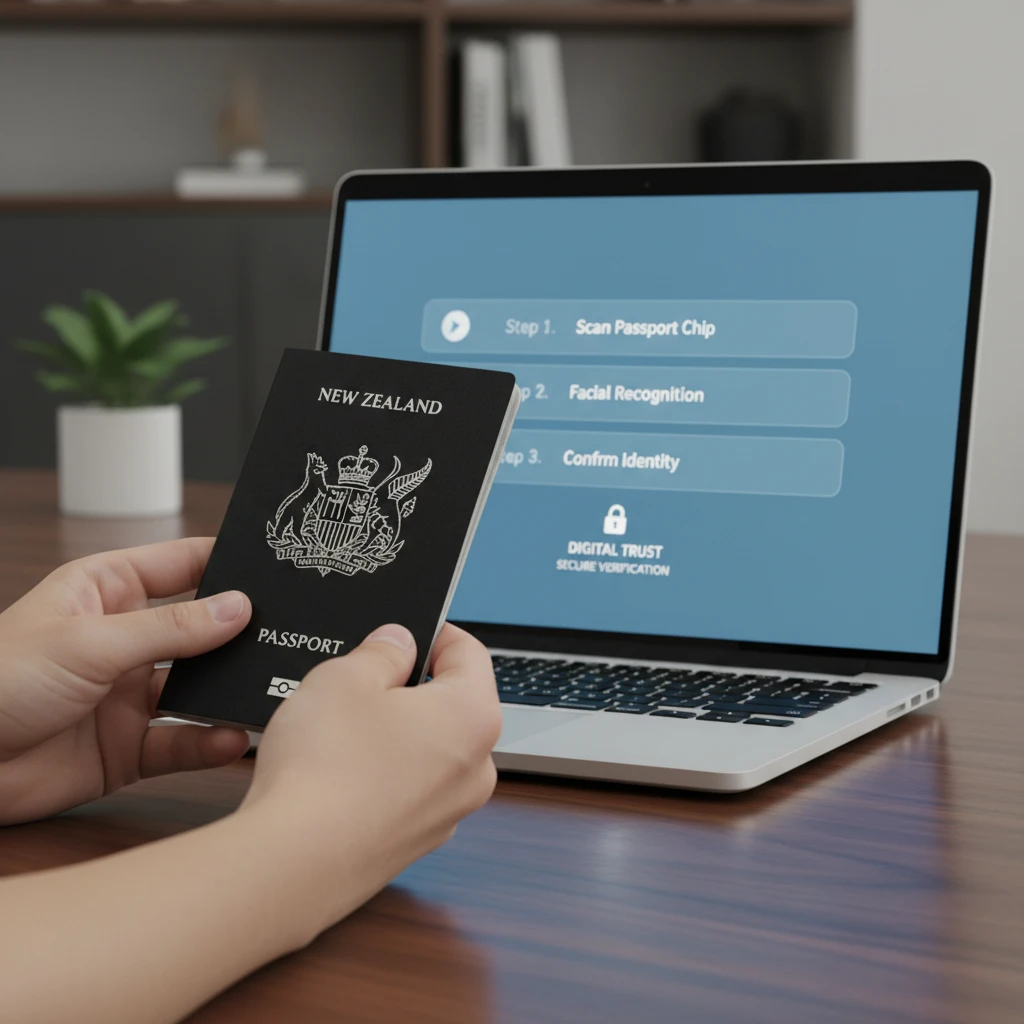
Once purchased, GoDaddy may require additional verification. For international users (outside the US), this sometimes triggers a request for ID verification if the algorithm flags the account. Have your New Zealand Driver Licence or Passport handy just in case.
Linking Your NZ Bank Account for Payouts
This is the most critical step for New Zealanders. Selling a domain for $5,000 is useless if you cannot withdraw the funds. GoDaddy uses a payee setup (often powered by third-party processors like Tipalti) to handle international payouts.
Setting Up a Payee Profile
1. Go to your Auction Dashboard.
2. Select Settings > Payee Accounts.
3. Click “Add Payee.”
Choosing the Right Method for NZ
You will generally have three options, each with pros and cons for the New Zealand market:
- PayPal: This is often the easiest method for amounts under $5,000. The funds arrive quickly, but PayPal’s currency conversion fees from USD to NZD can be high (often 3-4% above the mid-market rate).
- Wire Transfer (SWIFT): Best for high-value sales (e.g., $1,000+). You will need your NZ bank’s SWIFT/BIC code and your full account number. Be aware that your local bank (e.g., ANZ or BNZ) may charge an inward payment fee (usually around $15-$25 NZD) and GoDaddy may charge a wiring fee.
- eCheck / Local Bank Transfer: Occasionally available depending on GoDaddy’s current banking partners, allowing direct deposit into NZ accounts.
Tax Implications (GST)
If you are trading domains as a business in New Zealand and your turnover exceeds $60,000 NZD, you must register for GST. When selling to international buyers via GoDaddy, the GST rules can be complex (zero-rated exports vs. domestic sales). It is highly recommended to consult with a Kiwi accountant familiar with digital assets.
Understanding the Dashboard Interface
The GoDaddy Auctions dashboard is your command center. It can be overwhelming at first due to the sheer volume of data. Here is how to navigate it effectively.
The “Watching” Tab
This is where you track auctions you are interested in. As a buyer in NZ, this is crucial because auctions often end in the middle of the night due to US time zones. Use the “Watching” tab to set reminders or use proxy bidding (entering your max bid in advance) so the system bids for you while you sleep.
The “Selling” Tab
This section lists your active inventory. It shows:
- Status: Active, Suspended, or Sold.
- Bids: Current number of bids.
- Traffic: How many views your listing has received.
If you see high traffic but no bids, your starting price might be too high for the perceived value.
The “Sold” Tab
Once a transaction is complete, it moves here. This is where you initiate the “Push to Push” transfer or retrieve the Authorization Code (EPP code) to transfer the domain to the buyer’s registrar.

Types of Listings Available for .nz Domains
When you list a domain, you must choose a listing format. Your choice should depend on the quality of the domain and how quickly you want to sell it.
1. Offer / Counter Offer
Best for: Premium domains with no urgency to sell.
You list the domain with a minimum offer amount. Interested parties send an offer, and you can accept, reject, or counter. This negotiation style works well for high-value .nz keywords where the market price is subjective.
2. Buy It Now (BIN)
Best for: Quick sales and liquid domains.
You set a fixed price (e.g., $500). The first person to pay gets the domain. This removes friction and is preferred by business owners who want a domain immediately. For the NZ market, pricing in the $200-$2,000 range often moves fastest with BIN.
3. 7-Day Public Auction
Best for: Liquidating assets or highly desirable names.
You set a starting bid and a reserve price. The auction runs for 7 days. This creates urgency. However, if you set the reserve too high, you risk the auction ending with no sale. Note that GoDaddy takes a higher commission percentage on successful auctions compared to BIN sales.
Buying Strategies for the Kiwi Market
Using GoDaddy Auctions isn’t just about selling; it’s a prime acquisition channel. Many New Zealand businesses let their domains expire, and these often end up in GoDaddy’s “Closeout” or “Expired” inventory.
Sniping Expired .nz Domains
GoDaddy is a registrar for millions of domains. When a user fails to renew, the domain goes through an expiry cycle. Eventually, it hits the auction block before being released back to the registry. Buying here is often cheaper than hand-registering premium names or buying from a broker.
Time Zone Strategy
Most auctions end during US business hours (Pacific or Eastern time). For New Zealanders, this usually means auctions close between 5:00 AM and 11:00 AM NZST. This is actually an advantage; while US bidders are asleep or commuting, Kiwi investors are awake and can monitor the final minutes of an auction to place strategic bids.

Commission and Fees Structure
Understanding the fee structure is vital for calculating your net profit. GoDaddy’s commission structure is tiered based on the sale price:
- Under $5,000: Commission is typically 20% ($15 minimum).
- $5,001 – $25,000: Commission drops to 15%.
- Over $25,000: Commission drops further to 10%.
As a New Zealand seller, remember that you are losing this percentage plus potentially losing value on the currency conversion when moving USD to NZD. Always factor a 25% total “cost of sale” buffer into your pricing strategy to remain profitable.
People Also Ask
Can I sell a domain on GoDaddy if it is registered elsewhere?
Yes, you can. You do not need to transfer the domain to GoDaddy to list it. However, listing a domain registered elsewhere (e.g., with a local NZ registrar) usually restricts you to “Offer/Counter Offer” or “Buy It Now” listings. You typically cannot start a 7-Day Auction for a domain that is not held in a GoDaddy account due to the automated transfer mechanics required for auctions.
How do I get paid in New Zealand dollars?
GoDaddy does not send NZD directly in most cases; they send USD. Your receiving bank or PayPal will perform the currency exchange. To get paid, you must set up a Payee Profile in your auction account, providing your NZ bank’s SWIFT code and account number (or PayPal email). The conversion happens upon receipt of funds.
Is GoDaddy Auctions free to use?
No. There is an annual membership fee of approximately $4.99 USD. Additionally, GoDaddy charges a commission fee on every successful sale, ranging from 10% to 20% depending on the final sale price of the domain.
What happens if a buyer doesn’t pay?
If a buyer wins your auction but fails to pay within the allotted window (usually several days), GoDaddy will cancel the transaction. You can then choose to offer the domain to the second-highest bidder or relist the domain. Repeat non-paying bidders are typically banned from the platform.
Do I need to pay GST on domain sales?
If you are a registered business in New Zealand and the sale is considered part of your taxable activity, you generally need to account for GST. However, sales to international buyers (which are common on GoDaddy) may be zero-rated for GST purposes. Always consult a tax professional for specific advice regarding digital asset sales.
How long does it take to receive funds after a sale?
Once the buyer pays and the domain is successfully transferred to them, GoDaddy enters a holding period to prevent fraud. Payouts are typically released 5 to 7 days after the transfer is confirmed. Depending on your bank’s processing times for international wires, it may take an additional 2-5 business days for the funds to appear in your NZ account.
