

Transfer Troubleshooting
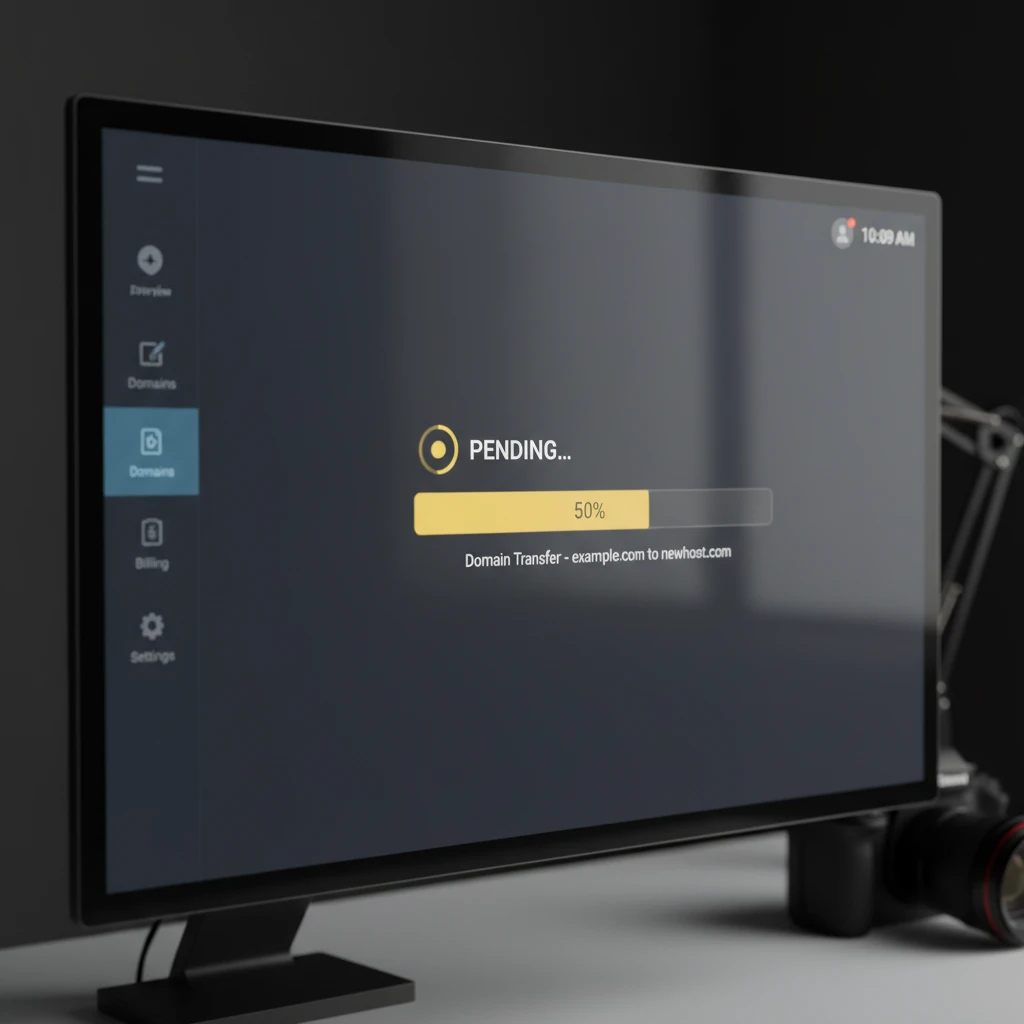
Domain transfer pending status indicates that a request to move a domain name from one registrar to another has been initiated but not yet finalized. This state typically lasts between 5 to 7 days while the registry verifies the authorization code (UDAI) and ensures no administrative locks prevent the transaction.
For New Zealand domain asset managers and business owners, seeing a “Pending Transfer” status can be a source of significant anxiety. Whether you are acquiring a premium .nz domain for a rebrand or consolidating a corporate portfolio, understanding the mechanics behind this status is crucial for maintaining digital continuity. In the high-stakes world of domain brokerage, a stalled transfer isn’t just an inconvenience; it can be a security risk or a deal-breaker.
This authoritative guide breaks down exactly why transfers get stuck, how the New Zealand specific UDAI system influences this process, and the steps required to resolve these bottlenecks efficiently.
What Does “Pending Transfer” Actually Mean?
In the technical hierarchy of the Domain Name System (DNS), a “Pending Transfer” status is a transitional state. It is not an error message, but rather a notification that the registry is waiting for specific conditions to be met before updating the database. When a domain is in this state, it is essentially in limbo between the Losing Registrar (the current host) and the Gaining Registrar (the new host).
For generic top-level domains (gTLDs like .com, .net) and country-code top-level domains (ccTLDs like .nz), the backend processes differ slightly, but the “pending” flag generally signifies one of three distinct phases:
- Pending Owner Approval: The registry is waiting for the registrant (you) to click a confirmation link sent via email.
- Pending Registry Approval: Both parties have agreed, and the registry is running a mandatory waiting period (often 5 days for gTLDs) to allow the losing registrar to reject the transfer if it was unauthorized.
- Pending Administrative Review: A discrepancy in the data (such as WHOIS privacy settings) has flagged the transfer for manual review.
Understanding which phase you are in is the first step toward resolution. In the New Zealand market, where speed often dictates the success of a brokerage deal, distinguishing between a standard 5-day wait and a stalled UDAI authentication is vital.
Common Reasons for “Pending” Status
While the “pending” status is a standard part of the lifecycle, it should not persist indefinitely. If a transfer remains pending for longer than seven days, or if it seems to stall immediately, one of several common friction points is likely the culprit. In our experience managing New Zealand domain assets, the following issues account for 90% of transfer delays.
Whois Privacy Services
One of the most frequent oversights is failing to disable WHOIS privacy (often called “ID Protect” or “Privacy Guard”) before initiating the transfer. When privacy is on, the email address listed in the public registry is a masked forwarding address. Transfer authorization emails may be blocked by the privacy service’s spam filters, or the gaining registrar may be unable to read the administrative contact email to send the required Form of Authorization (FOA).
Payment Settlement Failures
If the domain was recently renewed or purchased, the losing registrar may place a hold on the transfer until the payment has fully cleared. In some cases, a “chargeback” or a suspected fraudulent transaction will cause the domain to be locked indefinitely, resulting in a perpetual pending status until the financial dispute is resolved.
The 60-Day Lock Rule Explained
For New Zealand investors holding a mixed portfolio of .nz and .com domains, the 60-day lock is a frequent source of confusion. It is critical to distinguish between ICANN policies and .nz policies.
For gTLDs (.com, .org, .net): ICANN (The Internet Corporation for Assigned Names and Numbers) enforces a Transfer Policy that mandates a 60-day lock in two specific scenarios:
- New Registration: The domain cannot be transferred for 60 days following its initial registration.
- Change of Registrant: If you update the first name, last name, organization, or email address of the registrant, a 60-day lock is automatically applied unless you explicitly opted out of the lock during the update process (if the registrar offered that option).
For .nz Domains: The .nz registry policy is more flexible. There is generally no mandatory 60-day lock following a change of registrant details, provided the UDAI is valid. However, some individual registrars may impose their own internal security locks (usually 30 to 60 days) to prevent fraud. If your status is pending because of a lock, you must check if it is a registry-imposed lock or a registrar-imposed policy.

Registrar Lock Status & EPP Codes
To diagnose a pending transfer accurately, you must look at the EPP (Extensible Provisioning Protocol) status codes in the WHOIS database. These codes provide the technical “truth” about why a domain is not moving.
What is ClientTransferProhibited?
The most common status you will encounter is clientTransferProhibited. This is a safety lock applied by your registrar to prevent unauthorized hijacking. If you initiate a transfer while this code is active, the request will immediately fail or hang in a “pending” state on the gaining registrar’s side because the registry automatically rejects the request.
The Fix: You must log into the losing registrar’s control panel and toggle the “Domain Lock” or “Transfer Lock” to OFF. Once the WHOIS updates to show status OK, the transfer can be re-initiated.
What is ServerTransferProhibited?
This status is more serious. It indicates the registry itself has locked the domain. This usually happens during legal disputes, UDRP proceedings, or if the domain has been flagged for deletion. You cannot remove this lock yourself; you must contact the registrar or the registry directly.
The New Zealand Context: Incorrect UDAI Codes
In the New Zealand domain market, the UDAI (Unique Domain Authentication ID) is the master key for transfers. Unlike the Authorization Code (Auth-Code) used for .com domains, the UDAI is specific to the .nz namespace. A “Pending” status in New Zealand often stems from UDAI mismanagement.
UDAI Validity and Expiration
A UDAI is an 8-character code generated by the registrar. Crucially, a UDAI is only valid for 30 days from the moment it is generated. If you generate a UDAI on the 1st of the month but do not initiate the transfer until the 32nd, the transfer will stall in a pending state or fail outright because the code has expired.
The “Regenerated” UDAI Issue
A common scenario in brokerage involves the seller generating a UDAI to provide to the buyer. If the seller views the UDAI again or accidentally clicks “Regenerate” before the transfer is complete, the previous code becomes instantly invalid. The transfer will sit in “Pending” status at the gaining registrar because the cryptographic handshake fails. Always ensure you are working with the most recently generated UDAI.

Step-by-Step Troubleshooting Guide
If your domain transfer is stuck in pending status, follow this systematic troubleshooting workflow used by professional asset managers.
1. Check the WHOIS Database
Use the specific .nz WHOIS lookup tool (or a generic one for gTLDs). Look for the “Status” field. If it says clientTransferProhibited, you must unlock the domain at the current registrar. If it says pendingTransfer, the process is underway.
2. Verify the Administrative Email
Ensure the email address listed for the Administrative Contact is current and accessible. The critical “Form of Authorization” (FOA) email is sent here. If you cannot access this email, the transfer will time out (usually after 5 days).
3. Search for the FOA Email
Check your spam, junk, and promotion folders for an email from the Gaining Registrar. It will usually have a subject line like “Transfer Authorization for [Domain Name]” or “Please confirm transfer.” You must click the link inside this email.
4. Validate the UDAI/Auth Code
If the transfer failed and is pending retry, request a fresh UDAI from the current registrar. Ensure no spaces are copied when pasting the code.
How to Escalate to the Domain Name Commission
In New Zealand, the Domain Name Commission (DNC) regulates the .nz domain space. If you are facing an obstinate registrar or a “pending” status that refuses to clear despite following all protocols, you may need to escalate the issue.
When to Contact the DNC
You should contact the DNC if:
- The losing registrar refuses to release the UDAI code.
- The losing registrar is charging an unreasonable fee to unlock the domain (portability is a right in the .nz space).
- The transfer has been “pending” for more than 10 days with no explanation from either registrar.
The Escalation Process
To escalate, you will need to file a formal inquiry via the DNC website. You must provide proof of your identity (as the registrant) and correspondence showing that you have attempted to resolve the issue with the registrar directly. The DNC has the authority to intervene and, in extreme cases, direct the registry to effect a transfer, though this is rare and reserved for when registrars are non-compliant with .nz policies.

Asset Management: Preventing Transfer Friction
For domain brokers and asset managers, “pending” status represents lost time and potential deal collapse. To prevent this, proactive management is required. Before listing a domain for sale or initiating an acquisition, perform a “Transfer Readiness Audit.” This involves verifying that the domain is unlocked, WHOIS privacy is disabled, and the administrative email is monitored.
Furthermore, in the context of New Zealand brokerage, always ensure that the UDAI is generated only when the buyer is ready to input it. This reduces the window for expiration or security compromises. By treating domain transfers as precision logistical operations rather than administrative afterthoughts, you ensure liquidity and security in your digital asset portfolio.
How long does a domain transfer usually take?
A domain transfer typically takes between 5 to 7 days. For .nz domains, it can be much faster (sometimes instant) if the UDAI is valid and no locks are present. However, gTLDs like .com usually require a mandatory 5-day waiting period after approval unless the losing registrar offers an expedited release option.
Can I cancel a pending transfer?
Yes, you can usually cancel a pending transfer. If you are the registrant, you can deny the transfer via the email link sent by the losing registrar. Alternatively, you can contact the gaining registrar and ask them to cancel the incoming transfer request before it completes.
What is a UDAI code?
A UDAI (Unique Domain Authentication ID) is an 8-character security code required to transfer .nz domain names. It acts as a password for the domain. It is generated by the current registrar, is valid for 30 days, and must be provided to the new registrar to authorize the transfer.
Why is my domain locked?
Domains are locked to prevent unauthorized transfers (hijacking). This is known as “ClientTransferProhibited.” You can unlock it via your registrar’s dashboard. Additionally, domains may be locked for 60 days following a new registration or a change of registrant information (for gTLDs).
Does a domain transfer affect my website?
Generally, no. If your DNS settings (nameservers) are not changed during the transfer process, your website and email should remain online. However, once the transfer is complete, you may need to update your nameservers at the new registrar if you plan to change hosting providers.
What is the difference between transfer and change of registrant?
A “transfer” moves the domain management from one registrar (company) to another. A “change of registrant” (or trade) changes the legal owner of the domain name. While they often happen together during a sale, they are distinct technical processes with different rules and fees.
