

To activate Shopify Payments in New Zealand, merchants must possess a valid NZ bank account denominated in NZD and maintain a physical business presence within the country. You are required to provide a New Zealand Business Number (NZBN) or IRD number, along with identity verification documents for all beneficial owners to satisfy local Know Your Customer (KYC) and Anti-Money Laundering (AML) regulations.
Launching an online store in Aotearoa offers immense opportunities, but navigating the financial and legal landscape is critical for long-term success. From ensuring compliance with the Inland Revenue Department (IRD) to selecting the right payment gateway, understanding the specific Shopify payments NZ requirements is the first step toward building a robust digital storefront. This guide details everything Kiwi merchants need to know about payment processing, legal obligations, and financial reporting.

Legal Requirements for Selling Online in NZ
Before diving into payment gateways, New Zealand merchants must adhere to specific legislative frameworks designed to protect consumers and ensure fair trading. Ignoring these acts can lead to significant fines from the Commerce Commission.
The Fair Trading Act 1986
The Fair Trading Act prohibits misleading and deceptive conduct, false representations, and unfair trade practices. For an eCommerce store, this means your product descriptions must be accurate, your pricing clear, and your terms of trade transparent. You cannot claim a product is “Made in New Zealand” unless it meets specific criteria regarding its manufacturing process and origin.
The Consumer Guarantees Act 1993 (CGA)
Perhaps the most critical piece of legislation for retailers, the CGA provides consumers with guarantees that goods are of acceptable quality, fit for purpose, and match their description. Importantly, if you are selling to New Zealand consumers, you cannot contract out of the CGA unless you are selling to another business (B2B) and have a written agreement stating so. Your refund and return policies on Shopify must align with these statutory guarantees; you cannot simply state “No Refunds” without violating the law.
The Privacy Act 2020
Handling customer data requires strict adherence to the Privacy Act 2020. As a merchant, you are collecting sensitive information, including names, addresses, and potentially credit card details (though gateways handle the tokenization). You must have a clear Privacy Policy stating how you collect, store, and use data. Furthermore, you are required to report serious privacy breaches to the Privacy Commissioner and the affected individuals.
Shopify Payments NZ Requirements: Eligibility & Setup
Shopify Payments is the platform’s native payment processor, powered by Stripe. It offers the most seamless integration, eliminating the need for third-party redirects. However, eligibility is strictly enforced.
Bank Account Requirements
To set up Shopify Payments in New Zealand, your bank account must meet the following criteria:
- Location: The account must be with a physical bank located in New Zealand.
- Currency: The account must be denominated in New Zealand Dollars (NZD).
- Type: It must be a full checking account eligible for BECS transfers. Virtual online accounts or money transfer services (like Wise, in some configurations) may not be accepted for payouts.
Business Entity and Verification
Shopify requires you to define your business type—either as an Individual/Sole Trader or a Company/LLC.
- Sole Traders: Must provide their IRD number and personal identification (Passport or NZ Driver Licence).
- Companies: Must provide the New Zealand Business Number (NZBN). You will also need to provide details for every individual who owns 25% or more of the company to comply with Anti-Money Laundering (AML) laws.
Prohibited Business Categories
Even if you meet the technical requirements, Shopify Payments restricts certain business types. In New Zealand, this often affects merchants selling age-restricted goods like alcohol or tobacco/vaping products without proper vetting, as well as certain financial services or high-risk items. Always check the “Prohibited Businesses” list in the Shopify Terms of Service for New Zealand.
Shopify Payments vs. Windcave & Paystation
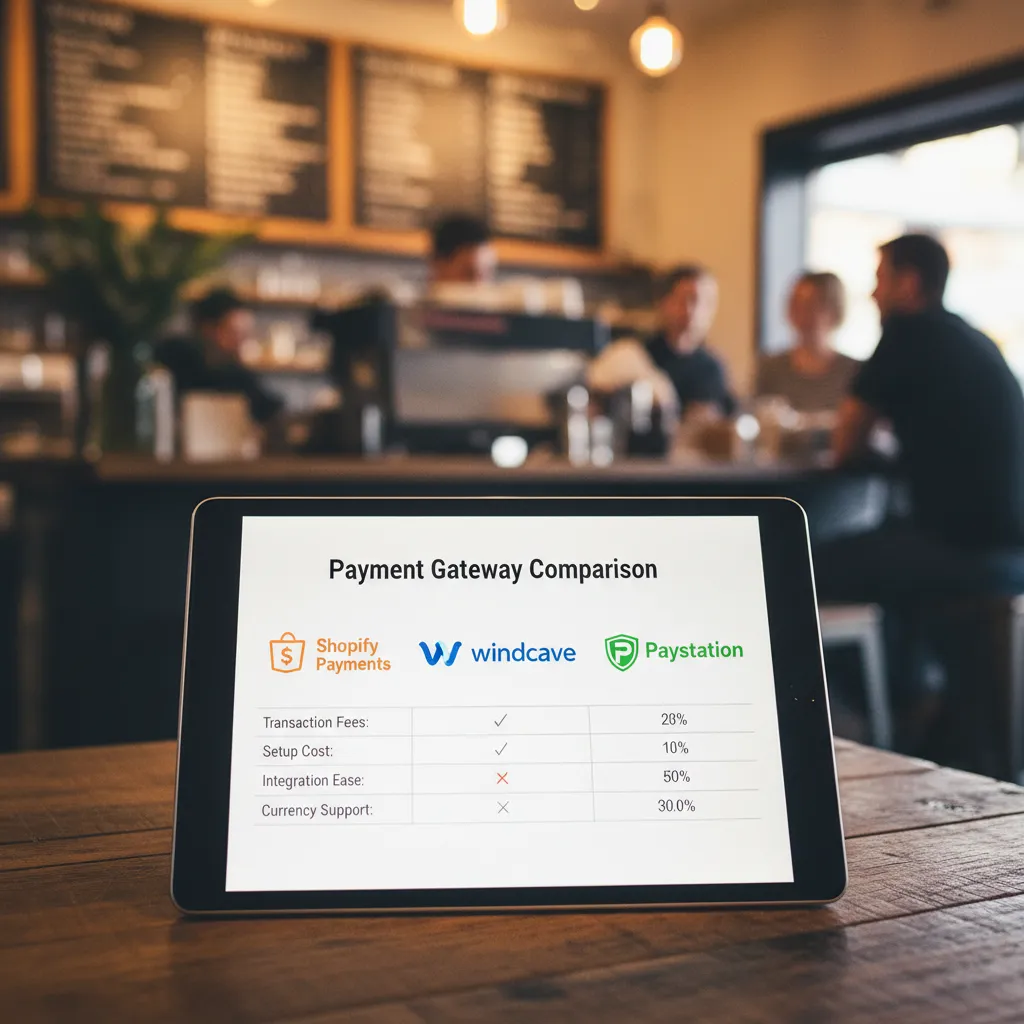
While Shopify Payments is convenient, many Kiwi businesses opt for local gateways like Windcave (formerly Payment Express) or Paystation. Understanding the differences is vital for cost optimization.
Shopify Payments
Pros: Integrated directly into the dashboard, no monthly fees, competitive transaction rates for basic plans, and supports multi-currency selling effortlessly.
Cons: Funds can take 2-3 business days to reach your account. Strict risk algorithms may freeze accounts if suspicious activity is detected.
Windcave (formerly Payment Express)
Windcave is a powerhouse in the NZ market, trusted by major retailers.
Integration: It acts as a third-party provider on Shopify. This means you may pay Shopify’s additional transaction fee (usually 0.5% – 2%) on top of Windcave’s fees unless you are on Shopify Plus.
Why Choose Windcave? If you have a physical retail store using Windcave EFTPOS terminals, using them for online payments creates a unified ecosystem. They also offer robust fraud protection tailored to NZ banks.
Paystation
Paystation, owned by Trade Me, is another popular local option. They offer “Polis,” which allows customers to pay directly from their bank account—a popular method for Kiwis who do not use credit cards.
Verdict: Use Shopify Payments for speed and lower fees on standard plans. Choose Windcave if you are an established enterprise with physical stores or need specific local banking integrations that Shopify Payments does not support.
GST Registration Requirements for Online Stores
New Zealand’s Goods and Services Tax (GST) is a 15% value-added tax. Understanding when to register is a common hurdle for new merchants.
The $60,000 Threshold
You are legally required to register for GST if your turnover (total sales, not profit) was more than NZ$60,000 in the last 12 months, or if you expect it to be more than NZ$60,000 in the next 12 months.
Voluntary Registration
You can register voluntarily even if you earn less than $60,000.
Advantage: You can claim back GST on your business expenses (e.g., Shopify subscription, inventory, web design costs).
Disadvantage: You must include GST in your product prices and file regular returns with the IRD, which increases your administrative workload.
Displaying GST on Shopify
In New Zealand, prices displayed to consumers must be inclusive of GST. In your Shopify tax settings, ensure you select “All prices include tax.” This ensures that at checkout, the tax is calculated as a portion of the price rather than added on top, preventing “sticker shock” for Kiwi customers.

Integrating Xero for End-of-Financial-Year Reporting
New Zealand is the home of Xero, and it is the standard for small business accounting. Integrating Shopify with Xero is not just a convenience; it is a necessity for accurate financial reporting.
Why Integration Matters
Manual data entry is prone to errors. By connecting Shopify to Xero (using apps like A2X or Xero Bridge), you automate the flow of transactional data. This ensures that every sale, refund, and fee is recorded correctly.
Handling Payout Reconciliation
One of the most complex aspects of eCommerce accounting is reconciling payouts. Shopify Payments deposits a lump sum into your bank account that represents net sales minus fees.
The Wrong Way: Coding the net deposit directly to “Sales.”
The Right Way: Using an integration tool to split the transaction. The gross sales figure goes to revenue, and the merchant fees are separated into an expense account. This ensures you are not under-reporting your revenue (which affects your GST obligations) or missing out on deductible merchant fee expenses.
Inventory Management
For merchants holding stock, Xero can also track inventory value. However, high-volume stores often use a dedicated Inventory Management System (IMS) like Unleashed or Cin7, which sits between Shopify and Xero to manage Cost of Goods Sold (COGS) accurately.

People Also Ask
Do I need an NZBN to use Shopify Payments?
While sole traders can use an IRD number, registered companies must provide a New Zealand Business Number (NZBN). Having an NZBN is recommended for all businesses as it builds credibility and streamlines interactions with other government agencies.
Can I sell in other currencies using Shopify Payments NZ?
Yes, Shopify Payments supports multi-currency selling. You can sell in USD, AUD, EUR, etc., and Shopify will convert the funds to NZD before depositing them into your bank account, subject to a currency conversion fee.
What are the transaction fees for Shopify Payments in NZ?
Fees vary by plan but typically start around 2.7% + 30¢ NZD for online credit card transactions on the Basic plan. Fees decrease as you upgrade to higher-tier Shopify plans.
Is Stripe the same as Shopify Payments?
Shopify Payments is powered by Stripe, but they are distinct entities. In New Zealand, if you use Shopify, you generally cannot use a standalone Stripe account for card processing; you must use Shopify Payments.
Does Shopify handle GST returns for me?
No. Shopify calculates and collects GST on sales if configured correctly, but it does not file returns or pay the IRD. You or your accountant must extract the data from Shopify/Xero and file the GST return with the Inland Revenue Department.
Can I use Afterpay or Laybuy with Shopify in NZ?
Yes, Buy Now, Pay Later (BNPL) services like Afterpay, Laybuy, and Zip are extremely popular in NZ. They can be added as alternative payment methods alongside Shopify Payments, though they carry their own merchant fees.
