

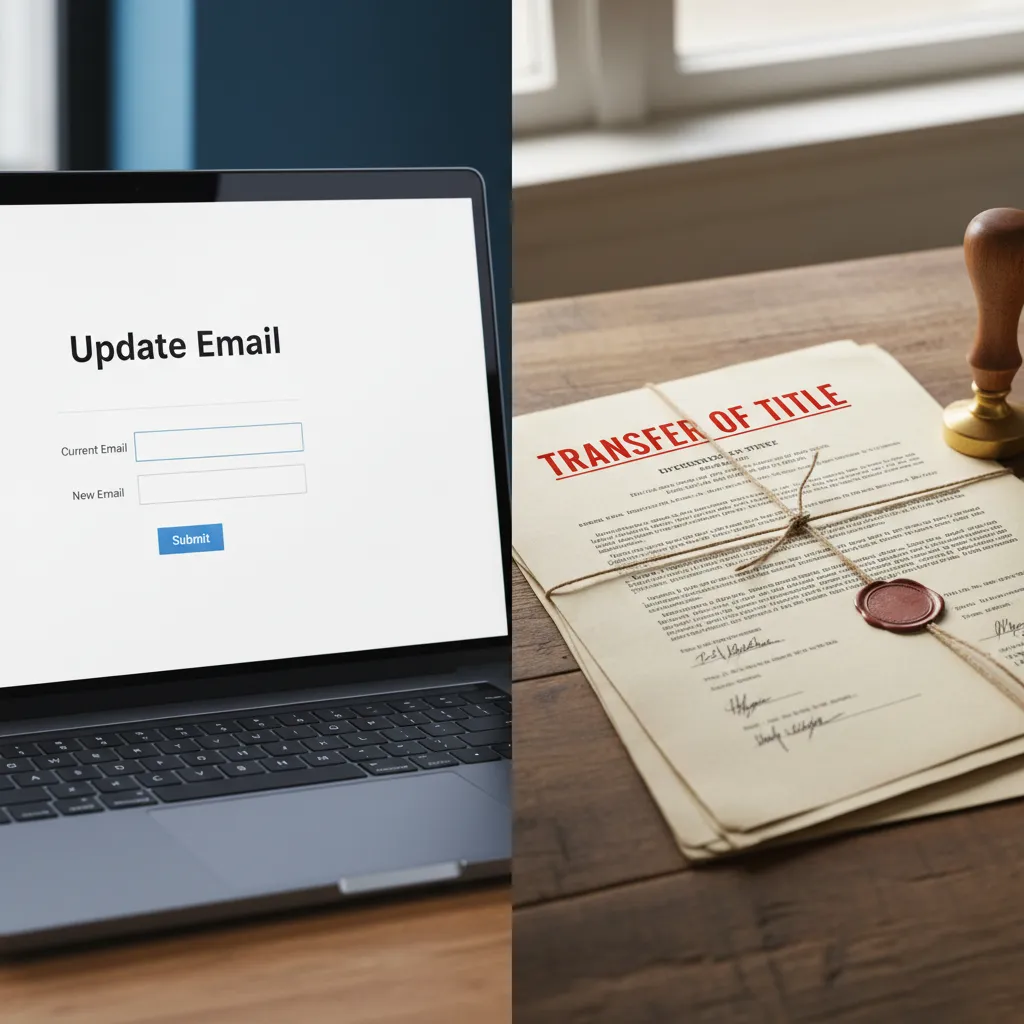
Correcting Registrant Details
To change domain ownership in NZ, you must initiate a formal Registrant Name Change through your current registrar. This process legally transfers the domain’s title from the existing holder to a new individual or legal entity. Unlike simple contact updates, a registrant change often incurs a fee and requires explicit authorization to preserve the chain of ownership within the .nz registry.
Managing the legal ownership of digital assets is a critical component of business governance. Whether you are acquiring a new business, restructuring a company, or correcting historical errors, understanding how to accurately change domain ownership in New Zealand is essential for protecting your intellectual property.
Legal Entity Changes vs. Contact Updates: What is the Difference?
In the world of New Zealand domain names, there is a distinct and legally significant difference between updating your contact information and changing the registrant name. Confusing the two is a common error that can lead to administrative gridlock or accidental loss of asset control.
What is a Contact Update?
A contact update involves changing the administrative, technical, or billing details associated with a domain name. For example, if your office moves from Auckland to Wellington, or if your IT manager changes their email address, you update the contact details. This does not alter who legally owns the domain. These changes are typically free and can be done instantly via your registrar’s portal.
What is a Registrant Name Change?
The “Registrant” is the legal owner of the license to use the domain name. Changing the text in the “Registrant Name” field constitutes a Change of Ownership (often abbreviated as COR or COO). Even if you are simply fixing a typo (e.g., changing “Smth Ltd” to “Smith Ltd”), the registry treats this as a transfer of the asset from one entity to another. This is a transactional event that resets the chain of title.
For New Zealand businesses, this distinction is governed by the policies set forth by the Domain Name Commission (DNC). The DNC views the Registrant Name Change as a critical security event, designed to prevent domain hijacking. Therefore, it requires higher levels of authentication than a simple email update.
How to Change Domain Ownership in NZ?
To successfully execute a change of ownership for a .nz domain, you must follow a specific protocol. While user interfaces vary between registrars (like Crazy Domains, Freeparking, or pure corporate registrars), the underlying mechanism remains consistent.
Step 1: Verify Current Access
Before initiating a trade, ensure you have access to the email address currently listed as the “Admin Contact.” All validation tokens and approval links will be sent to this address. If you have lost access to this email, you will need to undergo a manual statutory declaration process with your registrar to regain control.
Step 2: Initiate the Registrant Name Change
Log in to your registrar’s console and locate the domain management section. Look for an option labeled “Change Ownership,” “Assign to New Owner,” or “Registrant Name Change.” You will be asked to input the details of the new owner, including:
- Full Legal Name (Individual or Company Name)
- Physical Address (Must be a valid address)
- Phone Number
- Email Address
Step 3: The Dual-Approval Process
Once the request is submitted, an automated security process begins. The registrar will send a confirmation email to the Current Registrant and the New Registrant. Both parties must click the link and approve the transaction. This “handshake” protocol ensures that a domain cannot be stolen simply by hacking into an account; the losing party must explicitly consent to the release.
The Cost of Registrant Name Changes
Many domain owners are surprised to find that changing the name on a domain carries a fee, whereas updating an email address does not. This fee exists for two primary reasons: administrative overhead and security friction.
Registrars are charged by the registry for specific transactions, and the validation required to change a legal entity involves processing power and data verification. Furthermore, attaching a cost to the process acts as a deterrent against frivolous changes or “domain tasting” (a practice where bad actors temporarily register domains).
In the New Zealand market, the cost for a Registrant Name Change typically ranges from $20 to $100 NZD, depending on your registrar. Some premium corporate registrars bundle this service into their management fees, while discount registrars charge it as an ad-hoc fee. It is important to note that a Change of Ownership usually does not renew the domain registration period; it merely transfers the existing term to the new owner.
Ensuring You Actually Own Your Domain (Not Your IT Guy)
One of the most pervasive risks in New Zealand’s Small to Medium Enterprise (SME) sector is the “IT Guy” problem. This occurs when a business owner hires a web developer or an agency to build a website, and that third party registers the domain name in their own personal or company name rather than the client’s name.
Why is this a problem?
If the domain is registered to your web developer, they legally own your brand’s online presence. If you have a dispute with them, if they go out of business (liquidation), or if they simply disappear, you have no legal authority to access, renew, or transfer that domain. The Domain Name Commission recognizes the person listed in the “Registrant” field as the absolute owner.
How to audit your portfolio
Go to the DNC website or use a WHOIS lookup tool. Check the “Registrant Name” field. It should read “Your Company Ltd” or “Your Full Name.” If it reads “Web Design Agency Ltd” or the name of a freelancer, you do not own your domain.
Correction Strategy
If you discover this error, you must treat it as a “Change of Ownership” immediately. Request that the current registrant (the developer) initiate a Registrant Name Change to transfer the asset to your legal entity. Do not settle for them simply giving you the login and password; the legal record must be updated.

Updating Details During Registrar Transfer
A common time to correct registrant details is when transferring a domain from one registrar to another (e.g., moving from an international provider to a local NZ specialist). However, combining these two processes requires careful sequencing.
To transfer a .nz domain, you need a UDAI (Unique Domain Authentication ID). This is an 8-character password generated by your current registrar. When you initiate a transfer to a new registrar, you provide the UDAI.
Crucial Rule: Most registrars will import the registrant details exactly as they appear on the old registrar. If the details are incorrect at the source, they will be incorrect at the destination. While some registrars allow you to specify new owner details during the transfer order, this effectively triggers a “Transfer + Change of Ownership” simultaneously. This often resets the 60-day transfer lock, meaning you cannot move the domain again for two months. It is often cleaner to transfer the domain first, ensure it lands safely in your new account, and then perform the Registrant Name Change locally.
Privacy Options for NZ Registrants
Privacy is a significant concern for many domain owners. Historically, the WHOIS database was entirely public, displaying names, addresses, and phone numbers. However, policies have evolved to protect individual privacy.
The IRPR Option
For .nz domains, the Individual Registrant Privacy Option (IRPR) allows individuals who are not using the domain for significant trade to withhold their address and phone number from the public WHOIS search. However, the Registrant Name must always remain public.
Commercial Entities
If the domain is registered to a limited liability company or a commercial entity, privacy options are generally more restricted. The rationale is that a trading entity must be identifiable to consumers for consumer protection and legal recourse purposes. Therefore, if you change ownership from an individual (who has privacy enabled) to a company, be aware that the address and contact details will likely become public record.

Domain Brokerage and Asset Management
In the context of domain brokerage and asset management, the cleanliness of your registrant data is paramount. A domain name is an intangible asset that can appreciate in value. When attempting to sell a premium .nz domain or appraise a business for acquisition, “clean title” is a prerequisite.
Prospective buyers will perform due diligence. If the registrant details are messy, outdated, or held by a third party, it devalues the asset and complicates the closing process. Professional asset managers recommend an annual audit of all domain holdings to ensure that:
- The Registrant Name matches the current legal entity (accounting for any mergers or rebrands).
- The Admin Email is a generic corporate address (e.g., domains@company.nz) rather than a specific employee who might leave.
- The billing information is current to prevent accidental expiration.
By treating your domain portfolio with the same rigor as your physical assets, you ensure liquidity and security for your digital presence.
How long does a domain ownership change take in NZ?
Once both the current and new registrants have approved the transfer via email, the update in the .nz registry is typically near-instantaneous. However, it may take up to 24 hours for the WHOIS databases globally to reflect the new ownership details.
Can I change the domain owner if the current owner is deceased?
Yes, but this requires a manual process. You will generally need to provide the registrar with a copy of the death certificate and legal documentation proving you are the executor of the estate or the rightful beneficiary of the asset.
Is the UDAI required to change ownership within the same registrar?
No, the UDAI (Unique Domain Authentication ID) is primarily used for transferring a domain between different registrars. For an ownership change within the same registrar, you typically only need login access and email verification.
Does changing ownership affect my website or email uptime?
Generally, no. A Registrant Name Change is an administrative update. Unless you also inadvertently change the nameservers (DNS settings) during the process, your website and email services should remain uninterrupted.
Can I hide my name on a .nz domain WHOIS?
If you are an individual not using the domain for significant trade, you can use the Individual Registrant Privacy Option (IRPR) to hide your address and phone number. However, the Registrant Name itself is usually required to be public.
What happens if I lose access to the admin email address?
If you cannot access the admin email to approve a change, you must contact your registrar’s support team. They will likely require you to submit a Statutory Declaration or photo ID to verify your identity before manually updating the email address.
